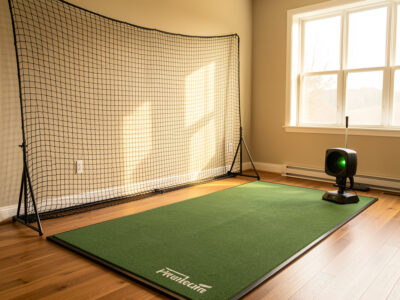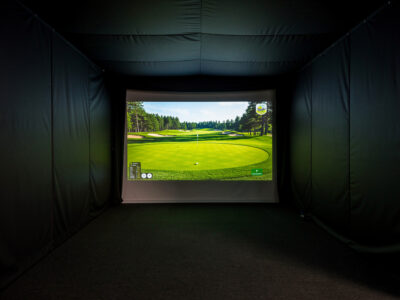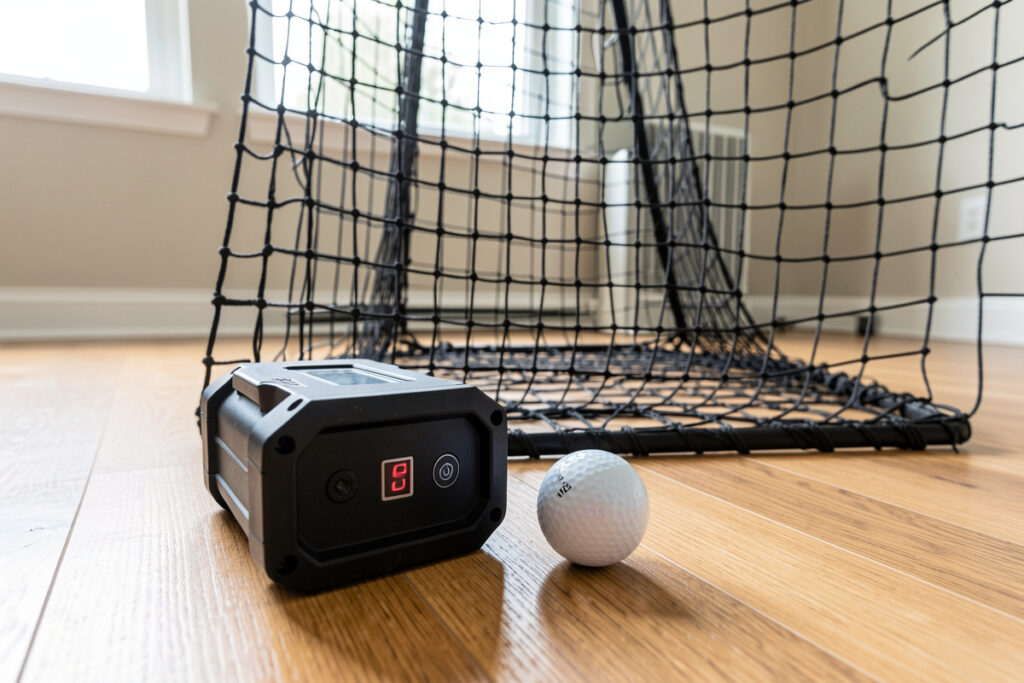
You do not need an impact screen to use a launch monitor. The monitor measures the ball and the club the same way whether a picture is projected or the ball dies in a net two feet away. In my sim room I have run the same swings into a net and into a screen on the same day, and the carry, ball speed and spin numbers do not change. What changes is where the device has to sit.
This is the most cost-effective sim build there is: a net, a mat, and the launch monitor you would have bought anyway, with no projector and no PC. The catch nobody mentions is placement — get the monitor in the wrong spot for its measurement type and your data quietly goes wrong with no ball flight to warn you. This guide is about getting that right.
Do You Need an Impact Screen to Use a Launch Monitor?
No. An impact screen exists to show projected ball flight and courses; it has nothing to do with how a launch monitor captures data. A radar unit tracks the ball through the air behind you, and a photometric unit photographs the strike beside the ball. Neither one reads the screen. Strip the screen away and every number the monitor reports is identical.
This is the single biggest misunderstanding I correct for people pricing a first build. They assume the screen is part of the measurement system and budget thousands for it before they have hit a ball. It is not. The screen is a display, and for pure practice — swing reps, carry gapping, dispersion work — you can skip it entirely and lose zero data quality. My net setup guide covers the whole room around this decision.
Radar vs Photometric: Placement Changes Everything
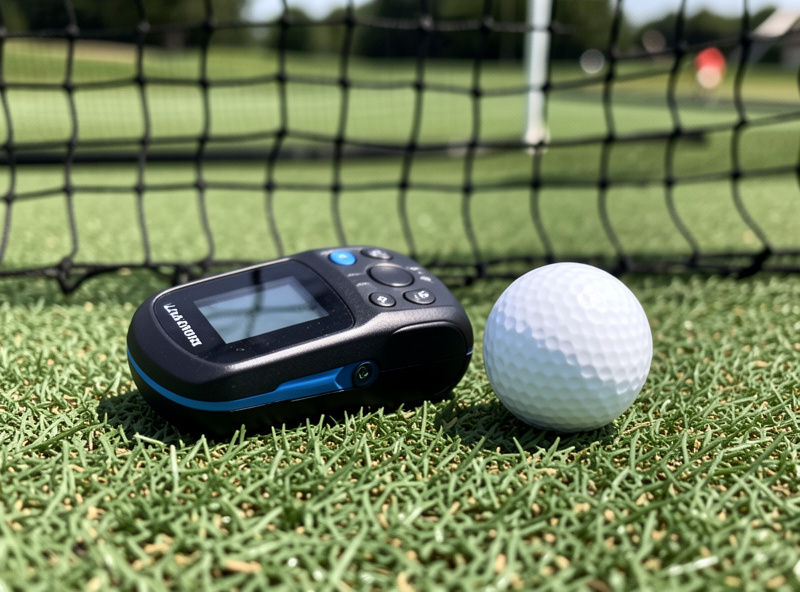
The monitor type decides the room. A radar (Doppler) unit like the Garmin Approach R10 sits a few feet behind the ball and needs a stretch of ball flight to track — it watches the ball leave and extrapolates the rest, so a cramped room starves it of data. A photometric (camera) unit like a SkyTrak+ sits beside the ball at a fixed distance and captures the first inches of flight, so it cares about a clean side view far more than room depth.
In a net-only room this difference is not academic. The net sits close, which is exactly the situation where a radar unit has the least flight to read. I have watched an R10 get twitchy on spin in a short net room while a photometric unit beside the same ball stayed rock-steady. My full radar vs photometric breakdown has the buying side; here is how the two place in a no-screen room.
| Placement Factor | Radar (e.g. R10) | Photometric (e.g. SkyTrak+) |
|---|---|---|
| Where it sits | Behind the ball, on the floor or tripod | Beside the ball, fixed distance |
| Needs room depth | Yes, several feet of flight | No, reads impact directly |
| Net distance sensitivity | High (short net hurts tracking) | Low (net distance irrelevant) |
| Best for short rooms | Weaker | Stronger |
| Alignment fuss | Must aim square down the line | Must be a precise side distance |
Where to Put the Monitor in a Net Room
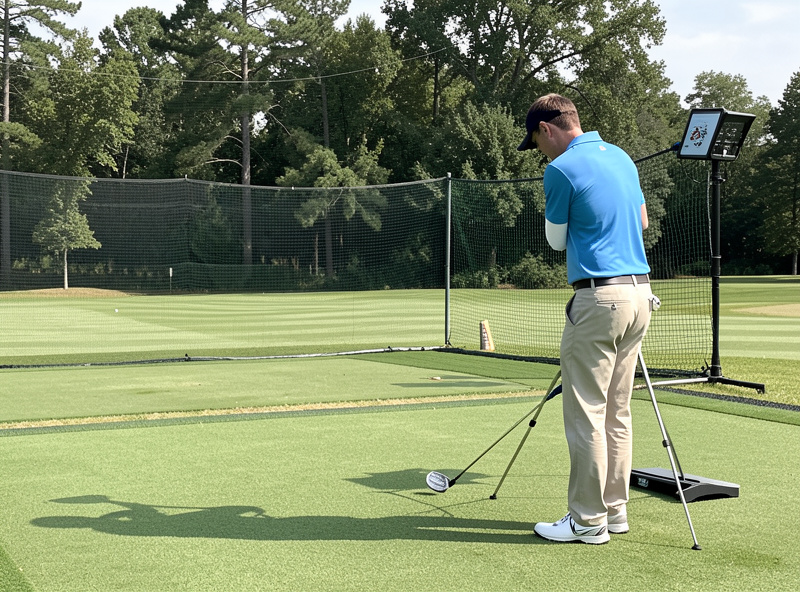
For a radar unit, place it on the floor or a low tripod roughly the maker-specified distance behind the ball, aimed square down your target line at the center of the net. The mistake I made early was aiming it at the net rather than down my intended line; a few degrees off and the side-spin read drifts. Give the ball as much flight as the room allows before the net, because every inch of tracked flight tightens the numbers.
For a photometric unit, the job is precision sideways: set it the exact distance from the ball the maker calls for and keep that distance identical every session. Tape a floor mark. Because it reads the strike and not the flight, you can run it in a net room half the depth a radar wants — which is why apartments and shallow rooms lean photometric. Keep the lens clean and the lighting even; a camera unit hates glare more than it hates a small room.
What You Keep and What You Lose Without a Screen
You keep all the data: carry, total estimate, ball speed, club speed and smash factor on capable units, launch angle, spin rate, spin axis and side carry. That is everything you need to build a swing and gap your bag. You also keep the convenience — a net build sets up and tears down in minutes, which matters in a shared space.
What you lose is the picture and the play. No projected courses, no GSPro lobby, no playing 18 against a friend, no visual of the ball climbing and landing. For some people that visual is the motivation that gets them practicing, and that is a fair reason to spend on a screen later — my enclosure guide is there when you do. But for honest practice value per dollar, the no-screen build is hard to beat, and the launch monitor you buy now carries straight into a screen build with nothing wasted.
Reading and Aiming Without Ball Flight
The skill a net forces on you is reading numbers instead of watching a ball. I lean on two above all: carry and side number (or spin axis). Carry tells me my real club gapping, which is almost never the loft printed on the head. The side number tells me my dispersion — the left-right scatter the net hides and your eye would have tracked outdoors. Logging those two per club turns a net into a genuine practice tool; my shot data guide explains each field and the dispersion guide turns them into drills.
For aiming, pick a fixed point on the net as your target line and trust the data over your eye. Without flight you cannot see a push or pull land, so the monitor’s side number is your only honest feedback. This is also why mat quality matters more on a net than behind a screen: a sloppy lie corrupts the strike read and you have no flight to catch it. The hitting mat guide explains why a good surface protects your data and your wrists both.
Display Options: Phone, Tablet, or a Cheap Monitor
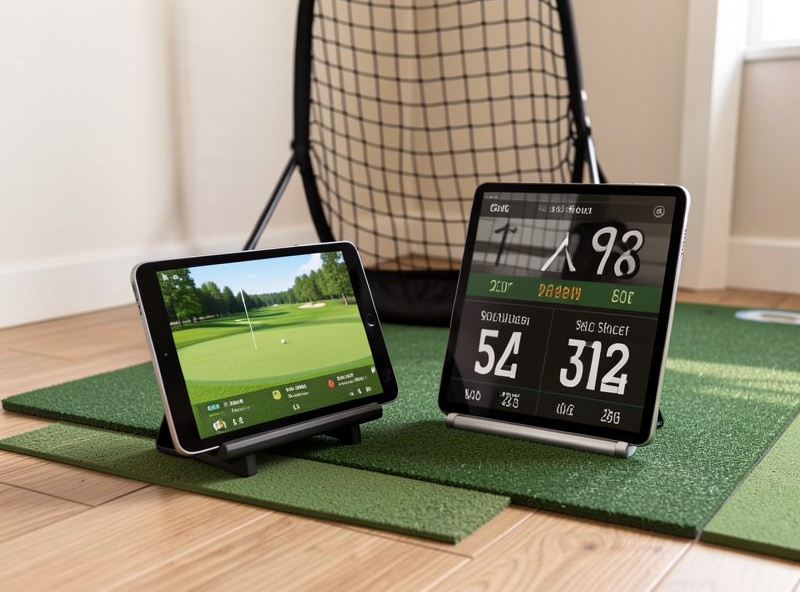
Most modern launch monitors pair to a phone or tablet app, and for a net build that is genuinely all you need — the app shows your numbers shot to shot and stores sessions. A tablet propped where you can read it between swings is my default and costs nothing extra if you already own one.
If you want a bigger readout, an old computer monitor or a small TV mirrored from the tablet gives you a glanceable dashboard without becoming a full sim — no projector alignment, no PC math, just bigger numbers. That is the upgrade I would make before a screen if reading a small tablet between shots annoys you. If you are still choosing the monitor itself, start with my budget launch monitor guide and which data to actually trust, or shop a portable golf launch monitor directly.
As an Amazon Associate I earn from qualifying purchases.
Frequently Asked Questions
Can a launch monitor work without an impact screen?
Yes. A launch monitor measures ball and club data directly and does not use the screen at all. With a net you read the same carry, ball speed, spin and launch off the device app. The screen is only a display for projected ball flight and courses.
Is a radar or photometric monitor better for a net-only room?
Photometric units usually suit net rooms better because they sit beside the ball and read impact, so they do not need room depth. Radar units sit behind the ball and need several feet of tracked flight, which a short net room cannot always give.
How far behind the ball does a radar launch monitor go with a net?
Follow the maker spec, typically a few feet behind the ball, aimed square down the target line. Give the ball as much flight as the room allows before the net, because more tracked flight produces tighter, more reliable numbers.
Will the net affect my launch monitor data?
It should not, as long as the monitor captures its read before the ball reaches the net. A radar unit in a very short room can be starved of flight, which is the one case where a tight net indirectly hurts data. A photometric unit is unaffected.
What do I look at instead of ball flight on a net?
Carry distance and your side number or spin axis. Carry gives your true club gapping and the side number reveals dispersion the net hides. Logging both per club turns a net into a real practice tool rather than just a place to swing.