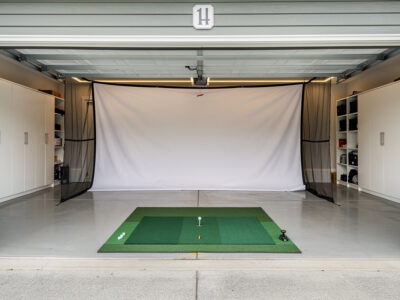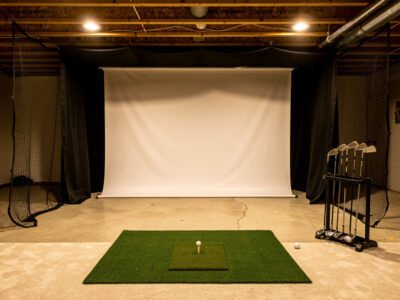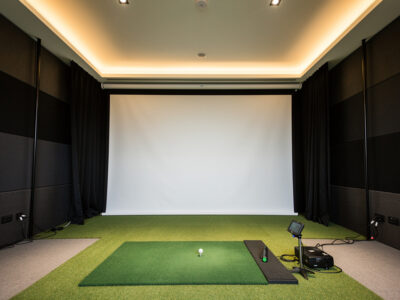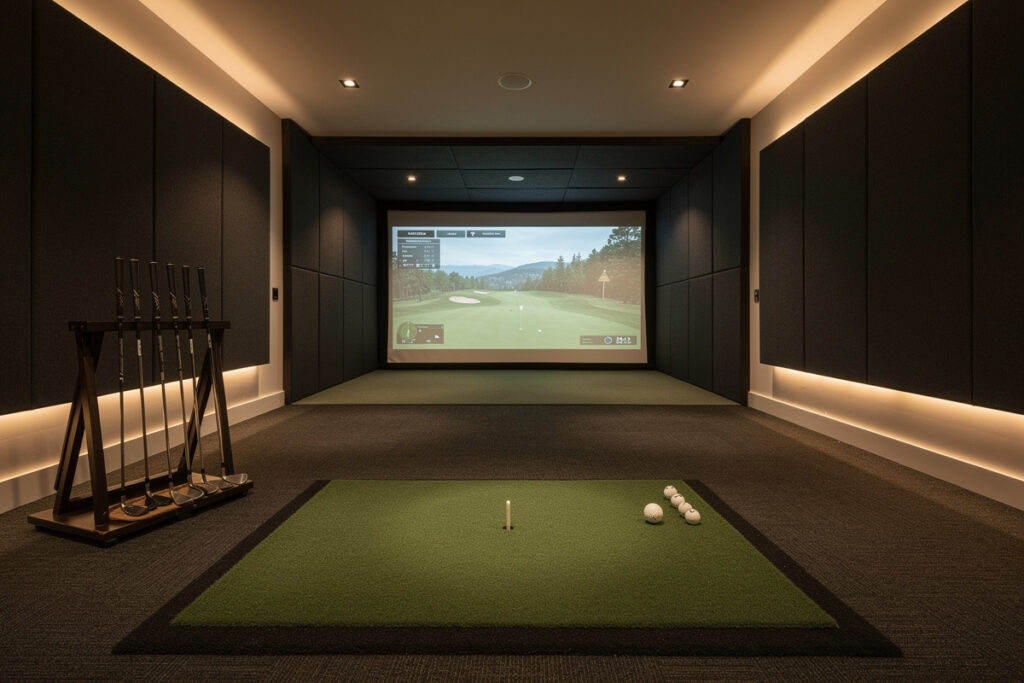
A home golf simulator needs about 15 feet of room depth for comfort and a tight minimum near 12 feet, because depth has to absorb three stacked distances front to back: the screen offset from the wall, the ball flight from the hitting position to the screen, and the standback behind you for your swing and a side or behind-ball monitor.
Depth is the dimension people underestimate most, because the floor looks generous until you stack those three zones — and once the room plan is solid, knowing which budget launch monitor data to trust ensures you don’t second-guess every number the unit reports once the build is done and discover your trail elbow is against the back wall. This guide breaks the depth budget into its parts, shows how your launch monitor choice changes it, and gives you the numbers to confirm a room is deep enough before you frame anything.
The Three Zones of Depth
Total room depth is not one measurement — it is three stacked zones. From the back wall forward: the screen offset (a foot or more so the screen can flex), the ball flight (the safe hitter-to-screen distance), and the standback (room behind the ball for your backswing and a behind-ball monitor). Add them and you get the depth your room actually needs.
Treating depth as a single number is how people end up cramped. A room that reads 12 feet deep sounds fine until you subtract a foot of screen offset and the eight-foot minimum hitter-to-screen distance, leaving under three feet of standback — barely enough to swing and not enough for a behind-ball radar unit. Stack the zones explicitly and the real requirement becomes obvious. This is the same front-to-back discipline I apply across the master room requirements guide.
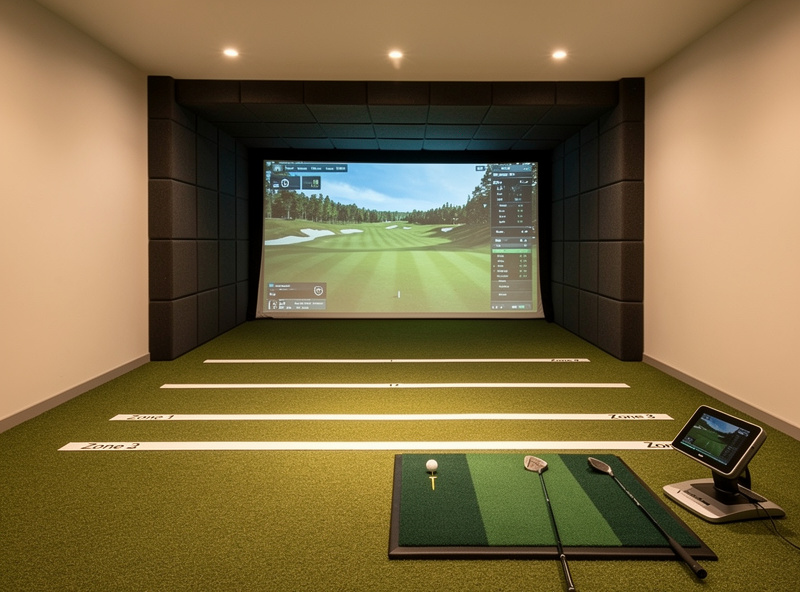
Screen Offset: The First Foot
The screen hangs a foot or more off the back wall so it has room to flex on impact rather than driving balls into drywall. That offset is the first slice of your depth budget and it is not optional — a flush-mounted screen wears faster, bounces back less predictably, and eventually punches ball-shaped dents into the wall behind it. Budget at least 12 inches, more if your enclosure frame design calls for it.
This zone is small but non-negotiable, and forgetting it is a classic way to come up a foot short on depth. The offset also protects the structure behind the screen, which takes real repeated impact over a winter of practice. Frame the enclosure so the screen can move toward the wall without ever contacting it at full ball speed.
Ball Flight: The Safety Distance
The middle zone is the hitter-to-screen distance, and it carries a hard floor of eight feet for bounce-back safety, with ten or more preferred. This is the single largest slice of your depth and the one you cannot shave to fit a shallow room. Standing closer raises the rebound risk and compresses the projected image, neither of which is worth a foot of saved depth.
Because this distance is both a safety and an image-quality number, it deserves its own attention; I cover the full reasoning, including how distance shapes the projected image and the screen tension that governs bounce-back, in the screen distance guide. For depth planning, treat eight feet as the immovable minimum slice and build the rest of the room around it.
Standback: Room Behind the Ball
The back zone is the standback — the space behind the ball for your trail-side backswing and, on a radar setup, the clean read distance the monitor needs behind the strike. Budget at least three and a half feet for the swing alone, and five or more if a behind-ball radar unit needs room to see the ball clearly. A wall too close behind the ball cramps the backswing and corrupts the data the same way a near side wall does.
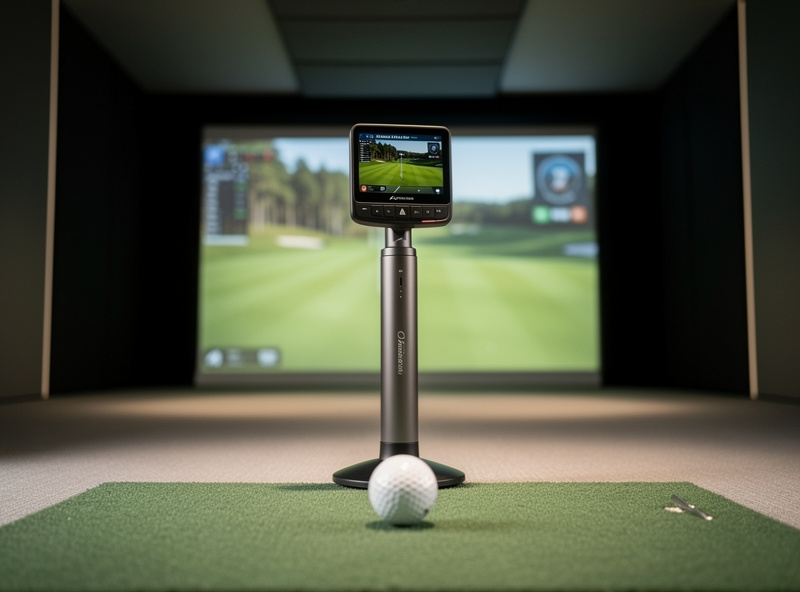
This zone is where the monitor choice bites hardest. An overhead photometric (camera) unit frees the floor behind you, shrinking the standback you need; a behind-ball radar (Doppler) unit adds several feet because it must sit behind the ball with a clear view. Decide the monitor class before you finalize depth, because the same room can be comfortable or cramped depending on which one you put in it.
Depth Budget at a Glance
Here is the stack laid out so you can add it for your own room. The radar column assumes a behind-ball unit needing read distance; the overhead column assumes a ceiling-mounted camera that frees the floor.
| Depth Zone | With Behind-Ball Radar | With Overhead Camera | Notes |
|---|---|---|---|
| Screen offset | 1 ft | 1 ft | Non-negotiable flex room |
| Ball flight (hitter to screen) | 8 to 10 ft | 8 to 10 ft | Eight-foot safety floor |
| Standback behind ball | 5 ft | 3.5 ft | Radar needs read distance |
| Total depth needed | 14 to 16 ft | 12.5 to 14.5 ft | Round up, do not shave |
How Monitor Type Reshapes Depth
The launch monitor is the variable that moves your depth requirement by a couple of feet. A behind-ball radar unit is the most depth-hungry because it needs that clean read corridor behind the ball; an overhead camera is the most depth-efficient because it reads from above and lets the standback shrink to just your swing room. If depth is your binding constraint, leaning toward an overhead photometric setup can buy back the floor space a radar unit would consume.
I have rebuilt the same room around different monitors and watched the usable layout change by a couple of feet from the read-distance requirement alone. Size the room and the monitor together rather than choosing the monitor first and discovering it does not fit the depth you have. If your width is the tighter constraint instead, the room width guide covers how side-mounted units change that dimension the same way.
Measuring Your Depth Honestly
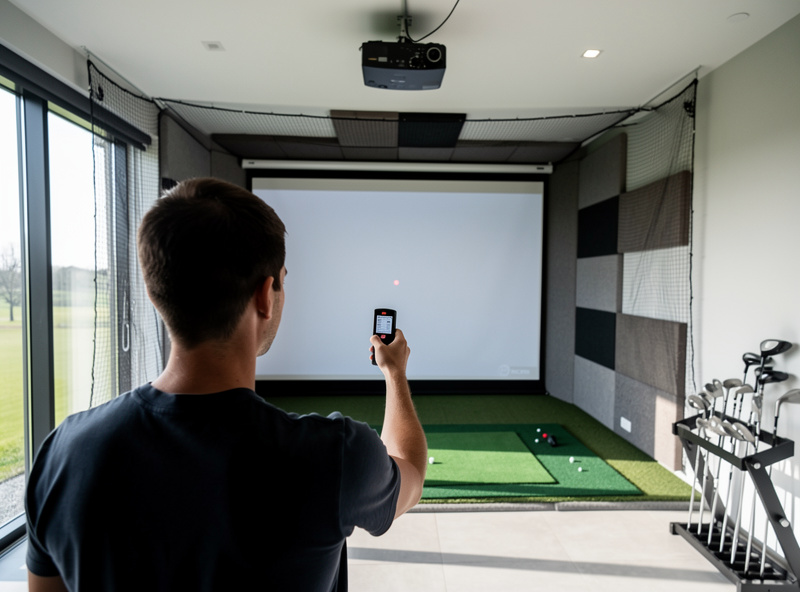
Measure from the back wall to the planned hitting position, then check that the leftover space behind the ball gives you a comfortable backswing and any monitor read distance. Mark the three zones on the floor with tape before you build — screen offset, ball flight, standback — and physically stand in the standback zone to make a slow full swing. If your trail arm threatens the back wall, the room is too shallow or the hitting position needs to move forward, which then eats into your screen distance.
A laser distance measure makes this quick and removes the guesswork of a stretched tape across a cluttered room. Lay the zones out, stand in them, and swing before you commit — depth is the dimension that looks fine on paper and bites in practice, so prove it with your body in the space. The room is the first component, and depth is the one that quietly decides whether the finished build feels open or cramped.
As an Amazon Associate I earn from qualifying purchases.
Frequently Asked Questions
How deep does a room need to be for a golf simulator?
Plan for about 15 feet of depth for comfort and 12 feet as a tight minimum. Depth stacks three zones: a foot of screen offset, eight to ten feet of ball flight, and three and a half to five feet of standback. A behind-ball radar monitor needs the deeper end.
What are the three zones of simulator room depth?
From the back wall forward: the screen offset where the screen flexes, the ball flight from the hitting position to the screen, and the standback behind the ball for your swing and any monitor read distance. Add all three to get the depth your room truly needs.
Does a radar launch monitor need more room depth?
Yes. A behind-ball radar monitor must sit behind the ball with a clear read corridor, adding roughly a foot or two of standback. An overhead photometric camera reads from above and frees that floor space, making it the more depth-efficient choice in shallow rooms.
Can I shave the ball-flight distance to fit a shallow room?
No. The hitter-to-screen distance has a hard eight-foot safety floor because golf balls bounce back off the screen. Shave the screen offset or rethink the layout instead, but never stand closer than eight feet to save depth.
How much standback do I need behind the ball?
Budget at least three and a half feet for the backswing alone, and five or more if a behind-ball radar monitor needs read distance. A wall too close behind the ball cramps the swing and corrupts your launch data, so confirm it by swinging in the space.
Is 12 feet of depth enough for a golf simulator?
Twelve feet is a tight minimum that works best with an overhead camera monitor, leaving the standback to just your swing. With a behind-ball radar unit, twelve feet is usually too shallow once the screen offset and eight-foot ball flight are subtracted.
Related Guides
- Golf Simulator Room Requirements: The Complete Guide
- Golf Simulator Screen Distance
- Room Width for a Golf Simulator
More from This Cluster
- “Golf Simulator Screen Distance: Safe and Sharp”
- “The Garage Golf Simulator Reality Check”
- “Low-Ceiling Golf Simulator Options That Actually Work”
- “Room Width for a Golf Simulator: Centered and Safe”
- “Golf Simulator Ceiling Height: How Much You Really Need”
- “Golf Simulator Room Requirements: The Complete Tape-Measure Guide”