A home golf simulator needs about 12 feet of room width for comfortable use and a workable minimum near 10 feet, with the hitting position centered so the swing clears both side walls. A single right-handed golfer can offset toward one side and get away with less; the moment a left-handed player shares the room, you need the full centered span.
Width is the dimension where assumptions quietly fail. People size the room for the body in address position and forget how far the club and hands travel across at the top of the backswing. This guide gives you the centered-hitting math, the difference between a single-handed and a both-handed build, the side clearance a taller player actually needs, and how launch monitor placement changes how much open width you have to leave.
How Much Width You Actually Need
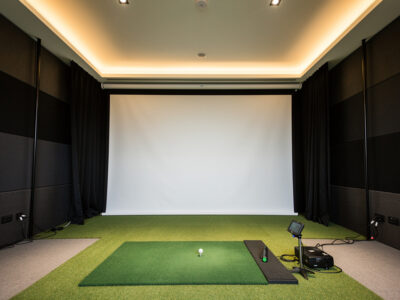
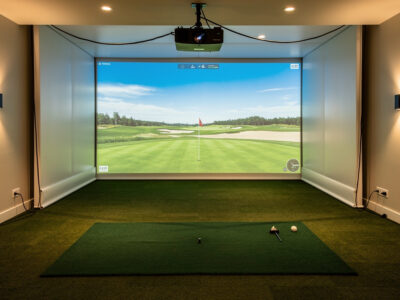
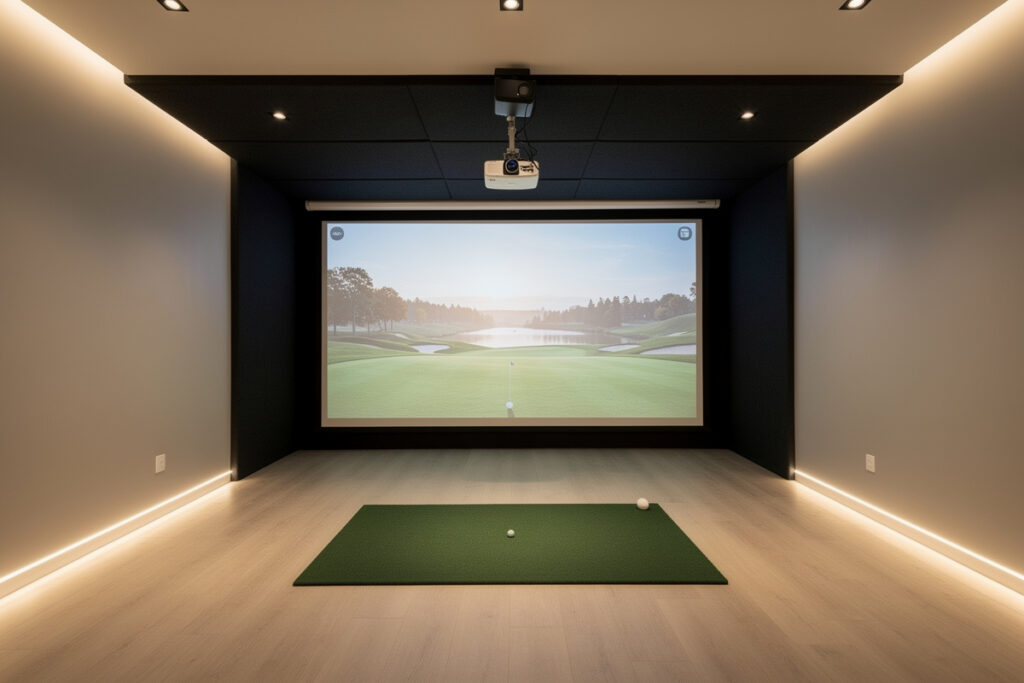
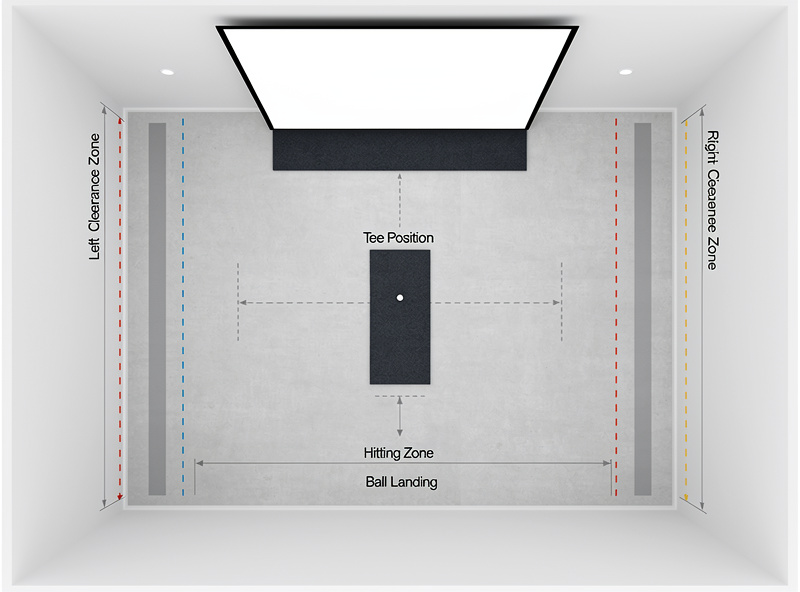
Plan for 10 feet of width at the absolute minimum and 12 feet for comfort, measured wall to wall in the swing zone. The hitting position should sit centered in that span for the most flexible setup, because centering keeps both a right- and left-handed stance clear of their respective walls and gives clean geometry for a centered screen and projector.
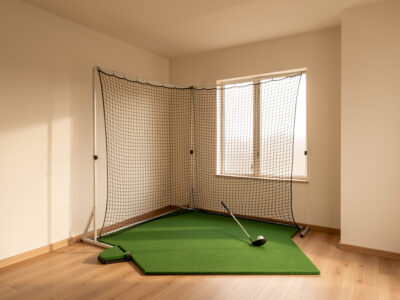
Where the room runs narrow, the trick is to commit to a single handedness and offset the hitting position toward the trail-side wall, leaving the lead side open for the through-swing. That can claw a build back into a 9-to-10-foot room, but it sacrifices the ability to swap sides and tightens your margin for error. I would rather have someone build a centered 12-foot room they never think about than a clever 9-foot offset they have to swing carefully in — a tentative swing corrupts every number the monitor reports.
Single-Handed Versus Both-Handed Builds
The biggest width variable is whether the room must serve both a right- and a left-handed golfer. A room used by only one right-handed player can be narrower and offset; a room shared across handedness has to be wide enough to center the hitting position so neither stance threatens a wall. That difference is commonly two full feet of required width.
This matters more than people expect, because a simulator room is rarely a solo asset for long — kids, friends, and a left-handed spouse all turn up once the screen goes live. If there is any chance a lefty will use the room, build for the centered, both-handed span from the start. Retrofitting width into a finished enclosure is one of the few simulator mistakes you genuinely cannot fix without tearing the build apart.
Side Clearance and Player Height
Width demand scales with player height the same way ceiling demand does. A taller golfer’s hands and club reach further across at the top of the backswing, so the lateral distance from the ball to the nearest wall has to grow with the player. Plan for at least three to four feet of clear space on the trail side at the top of the swing, more for a tall, long-armed player.
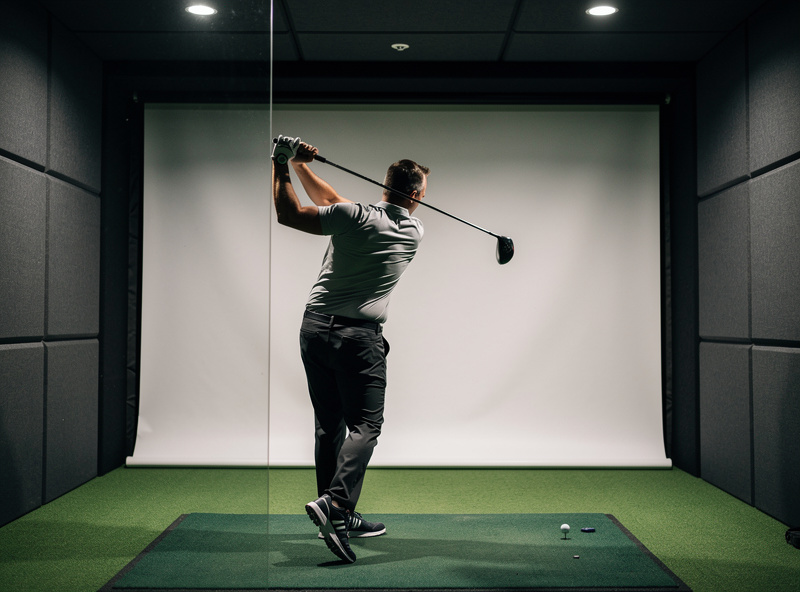
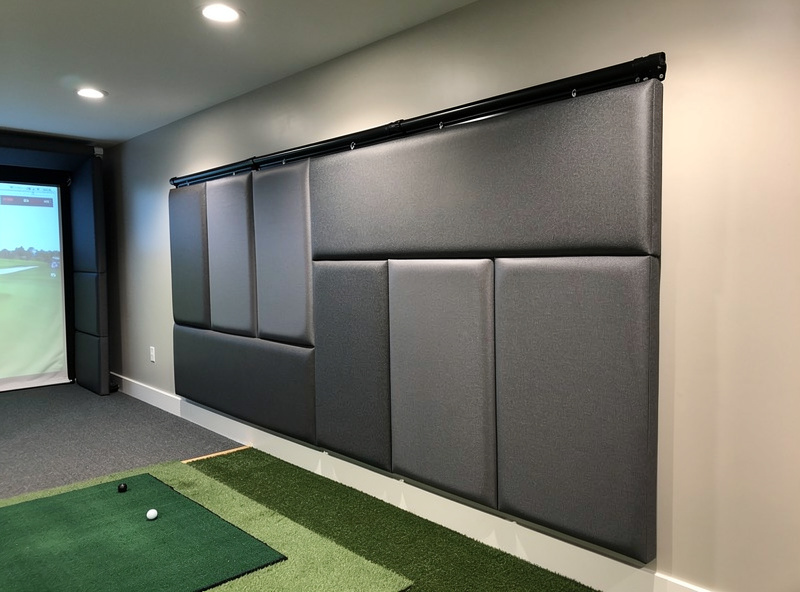
The safety dimension here is real: a driver swung too close to a wall is how grips go through drywall and how a golfer subconsciously shortens the backswing. I protect the walls in any tight build with high-impact wall padding so a stray heel or grip end meets foam instead of gypsum. If your width is marginal, a layer of protective wall padding panels on the side walls is cheap insurance that also lets you swing with confidence rather than caution. The same logic of measuring twice before you build applies to every dimension, which is why the master room requirements guide treats width, height, and depth as one interlocking problem.
Width at a Glance
These figures assume a standing enclosure and a full driver swing. The both-handed column is the centered span; the single-handed column assumes an offset hitting position against the trail-side wall.
| Scenario | Workable Minimum | Comfortable Target | Notes |
|---|---|---|---|
| Single right-handed golfer | 9 ft | 11 ft | Offset toward trail-side wall |
| Both right- and left-handed | 11 ft | 13 ft | Hitting position centered |
| Tall player (6 ft+) | 11 ft | 13 ft | More side clearance at top of swing |
| Side-mounted radar monitor | +1 ft | +1 to 2 ft | Leave open width beside the ball |
How Monitor Placement Changes Width
The launch monitor you choose reshapes your width budget. A side-mounted radar or camera unit needs clear, open space beside the ball where nothing — including a wall — blocks its view of the strike. An overhead photometric unit reads from above and leaves the side width entirely to your swing, which is often the better fit in a narrow room. If you’re shopping within a budget, the launch monitor under $1,000 guide covers which options in that range read accurately enough for a single-room home setup.
Before you finalize width, decide roughly which monitor class you are heading toward, because adding a side-mounted unit to a marginal room can be the difference between a clean read and a frustrating one. If width is your binding constraint, an overhead-camera approach gives that lateral space back to your swing. I size the monitor type and the width together for exactly this reason, the same way I do with ceiling height in the ceiling height guide.
Common Width Mistakes
The width errors I see repeat are all avoidable on paper. The first is measuring at floor level and missing that the usable span pinches higher up, where baseboards, a sloped basement wall, or shelving narrows the space exactly where the club travels. The second is sizing for a single right-handed golfer and then discovering, after the build, that a left-handed family member cannot use the room at all. The third is treating the enclosure’s internal width as the swing width — the frame uprights and any side curtains eat several inches off each side, so a 10-foot room can offer noticeably less than 10 feet of true swing clearance.
A fourth, subtler trap is ignoring how a near wall changes your swing without you noticing. Golfers instinctively protect themselves from a close wall by shortening and steepening the backswing, which not only feels wrong but skews the launch data you came to the simulator to trust. If you catch yourself swinging carefully to one side, the room is too narrow for the swing you actually make, and no setting on the monitor will fix that. Width is a swing-quality issue as much as a safety one, which is why I fold it into the same measure-first discipline that governs the whole room build.
Measuring Your Width Honestly
Measure wall to wall at the height your hands reach at the top of the backswing, not at floor level, because baseboards, shelving, and sloped basement walls can pinch the usable span where your club actually travels. Then mark your planned hitting position and physically make a slow full swing to both sides, confirming the clubhead never threatens a wall.
A reliable long tape measure and ten minutes of swinging slowly in the empty room will tell you more than any calculator. If the club comes anywhere near a wall on a relaxed swing, it will come closer on a real one — build wider or commit to the single-handed offset. The room is the first component, and width is the one you cannot stretch after the drywall is up.
As an Amazon Associate I earn from qualifying purchases.
Frequently Asked Questions
How wide does a room need to be for a golf simulator?
Plan for about 12 feet of width for comfortable use and 10 feet as a workable minimum. The hitting position should sit centered so both a right- and left-handed swing clears the side walls. A single right-handed golfer can offset and use slightly less.
Can a left-handed and right-handed golfer share one simulator?
Yes, but the room must be wide enough to center the hitting position, typically around 12 feet, so neither stance threatens a side wall. A right-handed-only room can be narrower and offset, so build for both handedness from the start if a lefty may use it.
How close to a wall is safe to swing in a simulator?
Leave at least three to four feet of clear space on the trail side at the top of the backswing, more for tall players. Swinging closer risks driving a grip end into the wall and tends to shorten the backswing, which corrupts your data.
Does a side-mounted launch monitor need extra room width?
Yes. A side-mounted radar or camera monitor needs open space beside the ball with a clear view of impact, adding roughly one to two feet to the width budget. An overhead photometric unit leaves the side width to your swing instead.
Related Guides
- Golf Simulator Room Requirements: The Complete Guide
- Golf Simulator Ceiling Height: How Much You Really Need
More from This Cluster
- “Golf Simulator Room Depth: The Three Zones Explained”
- “Golf Simulator Screen Distance: Safe and Sharp”
- “The Garage Golf Simulator Reality Check”
- “Low-Ceiling Golf Simulator Options That Actually Work”
- “Golf Simulator Ceiling Height: How Much You Really Need”
- “Golf Simulator Room Requirements: The Complete Tape-Measure Guide”