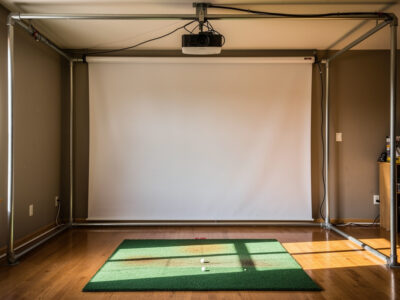
Bounce-back is the single biggest safety risk in a home golf simulator, and the fix is three things: hang the impact screen with deliberate slack, leave an air gap of several inches between the screen and any hard wall behind it, and stand far enough back that a returning ball is spent before it reaches you. A drum-tight screen against drywall acts like a trampoline; a slack screen with a standoff absorbs the strike.
I learned this in the most direct way possible: my first screen was hung tight against a stud wall, and a thinned wedge came back past my ear before I had even looked up. Nothing about the build is more important to get right, and it costs nothing but planning. This is the bounce-back geometry I use now in my own DIY golf simulator enclosure, with the near-miss left in so you skip it.
What Causes Bounce-Back in a Golf Sim?
Bounce-back happens when a struck ball’s energy is reflected toward the hitter instead of absorbed. The two culprits are a screen hung too tight and a screen mounted too close to a hard surface behind it. A tight screen against concrete or drywall has nowhere to flex, so it returns the ball’s energy like a drumhead. Give the screen slack and a gap, and it absorbs the strike instead.
The physics is the same one a sim-racing rig taught me about mounting anything that takes force: rigid backing reflects energy, compliant backing absorbs it. A golf ball off a driver carries real speed, and a flat reflection sends it straight back along the line it came in on — which is exactly where the hitter is standing. Most home bounce-back incidents trace to one of these two mistakes, and both are free to avoid at build time and expensive to fix after a ball has already come back at you.
How Much Slack Should the Screen Have?
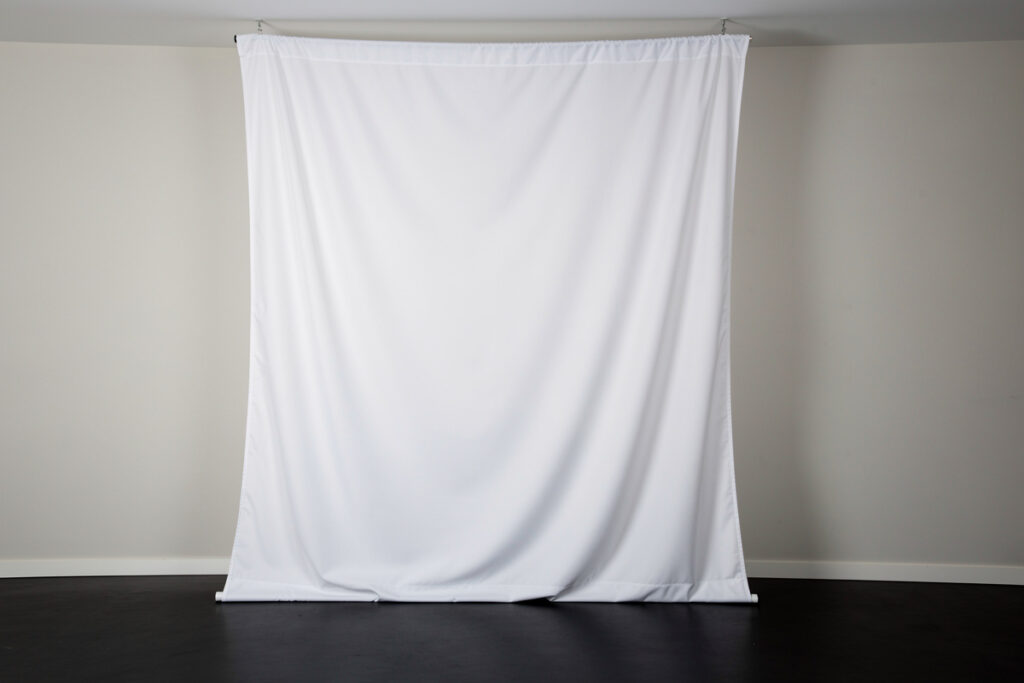
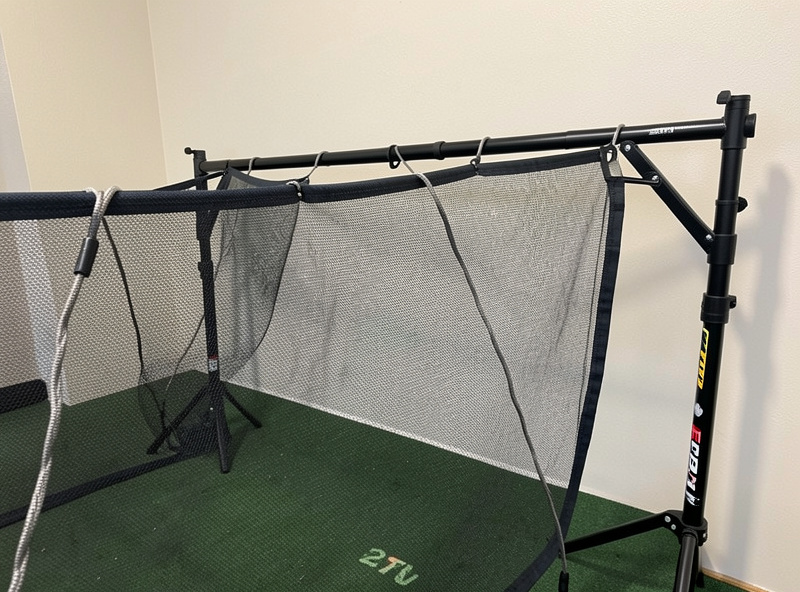
Hang the impact screen with enough slack that it visibly gives and billows slightly when struck, not so much that it sags into the projected image. The screen should move on impact — that movement is the energy being absorbed rather than reflected. A screen you can push a few inches with your hand at center is in the right range; one that feels like a snare drum is too tight.
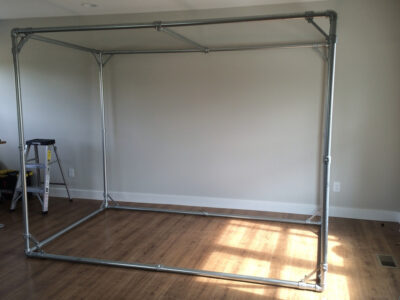
This is counterintuitive because a rigid conduit or lumber frame tempts you to stretch the screen flat for a perfect image. Resist it. I tension mine with bungee cord precisely so it holds its shape for projection but still gives on a strike, and I can adjust corner by corner as the fabric settles. The image stays flat enough at rest; the give only shows when a ball hits. Frame stiffness is for holding geometry, never for stretching the screen drum-tight — that is the most common and most dangerous beginner mistake.
How Big Should the Gap Behind the Screen Be?
Leave an air gap of several inches between the impact screen and any wall behind it so the screen can travel rearward on impact without hitting a hard surface. The exact distance depends on your room, but the principle is fixed: the screen needs somewhere to go when it absorbs a strike. Mounting it flat against drywall or concrete removes that travel and is the classic dangerous setup.
You can measure this with a tape — it is not a guess. Position the frame so the screen plane sits forward of the back wall with room for it to billow. In a shallow room this competes with swing clearance and bounce-back distance, which is why room depth has to be planned before the frame is built. If your room is tight, the room depth guide covers how to budget the standoff, the screen offset, and the hitting distance together rather than discovering after the build that one of them got squeezed to zero.
Where Should You Stand for Safety?
Stand far enough back from the screen that any returning ball has lost most of its energy before it reaches you, and never let anyone stand directly behind the hitting position. A slack screen with a proper gap sends very little energy back, but the safe layout assumes a ball can return and positions people so it does not matter. Distance plus a clear zone behind the mat is the backstop to the screen’s absorption.
In my room the mat sits well back from the screen, so on the rare return the ball is rolling by the time it reaches the mat area, and I treat the space directly behind the hitting spot as off-limits during a session. This matters most with kids or guests watching — they should be off to the side, never in line behind the shot. The screen absorbing energy is the first line of defense; standing position is the second, and you want both. Neither requires any number I cannot pace out or measure with a tape.
What About Shanks and Side Netting?
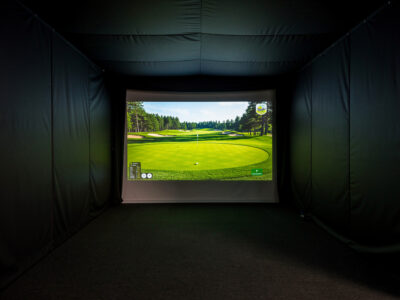
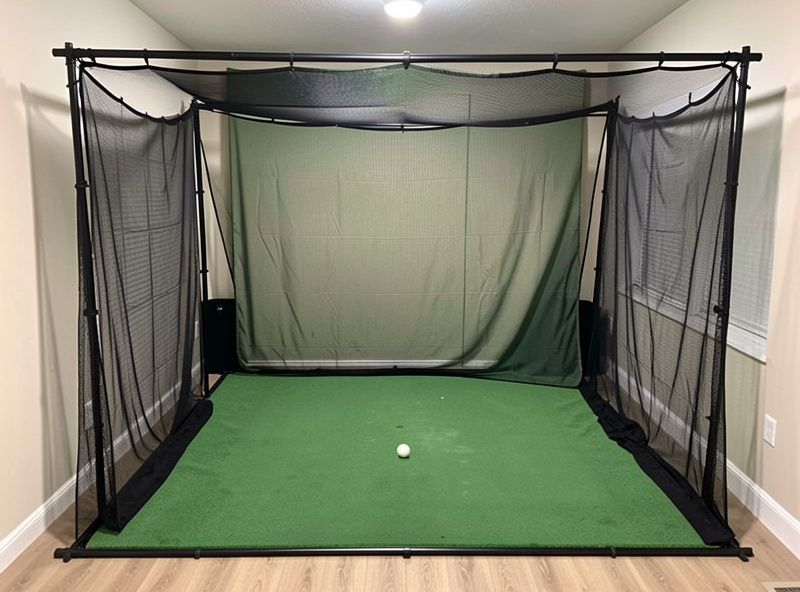
Side netting catches mishit shots that miss the screen — shanks, toes, and pulls — before they reach a wall or window. A bare enclosure protects you straight ahead but does nothing for a ball sprayed sideways, and at home a shank can find drywall, a TV, or a window. Hanging netting down both sides of the frame turns the enclosure into a contained box.
I added side netting after a shank put a mark on the wall beside my screen in the first week — the screen was doing its job, but I had left the sides open. Netting on a conduit frame attaches with cable clamps so it comes down for cleaning. It does not need to be heavy curtain; a proper golf-rated barrier net sized to your frame handles a sideways strike. The combination of an absorbing screen ahead and netting at the sides is what makes a home enclosure genuinely safe rather than just safe for your best shots.
What Are the Most Common Safety Mistakes?
The three mistakes that cause home bounce-back incidents are hanging the screen drum-tight, mounting it flat against a hard wall, and leaving the enclosure sides open to shanks. All three are build-time decisions, and all three are free to avoid if you plan for them before hanging anything. None require special equipment — just slack, a measured gap, and netting.
A fourth, subtler mistake is letting the standing layout drift over time. People build it safe, then creep the mat forward for a better view of the screen, shrinking the distance that keeps a returning ball harmless. I caught myself doing exactly this and moved the mat back. Treat the safe standing distance as fixed, the same way you treat the screen gap. And before any of the geometry, the room itself has to hold all of it at once — swing clearance, screen offset, and bounce-back distance — which is the planning the room requirements guide walks through. Safety is not a single component; it is the whole layout staying honest.
A Note on Mats and Comfort
Bounce-back safety is about the ball returning; a separate comfort issue is the jarring you feel hitting off a thin mat over a hard floor. A quality mat with give protects your joints from the repeated shock of hitting into a fixed surface and is worth budgeting for. This is a comfort matter, not a medical claim — if you have any joint concern, that is a question for a professional, not a buying guide.
I keep this distinct from bounce-back deliberately because they get conflated. The screen, gap, and standing position keep the ball from hitting you; the mat keeps the floor from jarring your wrists on every swing. Both belong in a safe, comfortable build, but they solve different problems. The mat choice is its own topic of feel and durability over a winter of use, separate from the ball-return geometry covered here.
Frequently Asked Questions
Is bounce-back dangerous in a golf simulator?
It can be if the screen is hung tight against a hard wall, which reflects a struck ball back toward the hitter. Hung with slack and a several-inch air gap behind it, the screen absorbs the strike and bounce-back becomes minimal. Standing well back is the second safeguard.
How much gap should be behind a golf impact screen?
Leave an air gap of several inches between the screen and any wall behind it so the screen can travel rearward on impact. The exact distance depends on your room depth, but the screen must never be mounted flat against drywall or concrete.
Why does a tight impact screen cause bounce-back?
A drum-tight screen against a rigid surface has nowhere to flex, so it reflects the ball’s energy like a drumhead and sends mishits straight back. A screen hung with slack visibly gives on impact, absorbing the strike instead of returning it.
Do I need side netting in a golf sim enclosure?
Yes, if there are walls, windows, or valuables beside the enclosure. Side netting catches shanks and pulls that miss the screen. A golf-rated barrier net down both sides of the frame turns an open enclosure into a contained box.
Where should people stand to watch safely?
Watchers should stand off to the side, never directly behind the hitting position. The hitter should be back far enough that any returning ball is spent before reaching the mat. Keep the area directly behind the shot clear during a session.