Buying a used golf launch monitor is where real money gets saved in this hobby — and where real money gets lost. A launch monitor is electronics with firmware, a battery, calibration, and often account-tied subscription features — and once you have one, putting it in a proper setup pays dividends: the DIY golf sim enclosure guide walks through building the room that makes the hardware work properly, which means a used unit from the wrong source can be a brick or a hollowed-out shell cut off from the features that made it worth owning. Bought carefully, used is one of the smartest moves in the budget tier. This is the inspection routine I use so it stays smart.
It pairs with my budget launch monitor guide and my launch monitor under $1,000 new-buyer guide — read those for which unit, this one for how to buy that unit secondhand without regret.
The Subscription and Account Trap
Start here, because it is the trap most people miss. Several popular launch monitors gate their best simulator and practice features behind an account and an ongoing subscription. When you buy used, you need to confirm two things: that the unit can be disassociated from the seller’s account and registered to yours, and what it actually costs you to access the features you want going forward. A unit sold “with lifetime premium” that is in fact tied to the seller’s account is worth far less than the listing implies. Ask directly, and treat vague answers as a red flag.
This matters most on units where the software is the value. The Garmin R10 is a good example of a unit whose ecosystem is a big part of why you buy it — and I cover what that ecosystem gives you, and where its data is modeled, in my Garmin R10 honest limits article. If the account and features do not transfer, you are buying a lesser device than the seller is selling.
Battery, Firmware, and Physical Condition
Launch monitors live on rechargeable batteries that degrade with cycles, so ask about battery health and how heavily the unit was used — a unit that ran daily for years may need its run-time expectations lowered. Confirm the firmware is current and updatable on your account, because an orphaned unit stuck on old firmware can lose compatibility with current apps. Inspect the lenses on a photometric unit and the housing on any unit for impact damage; these are precision instruments and a hard drop can quietly throw calibration off.
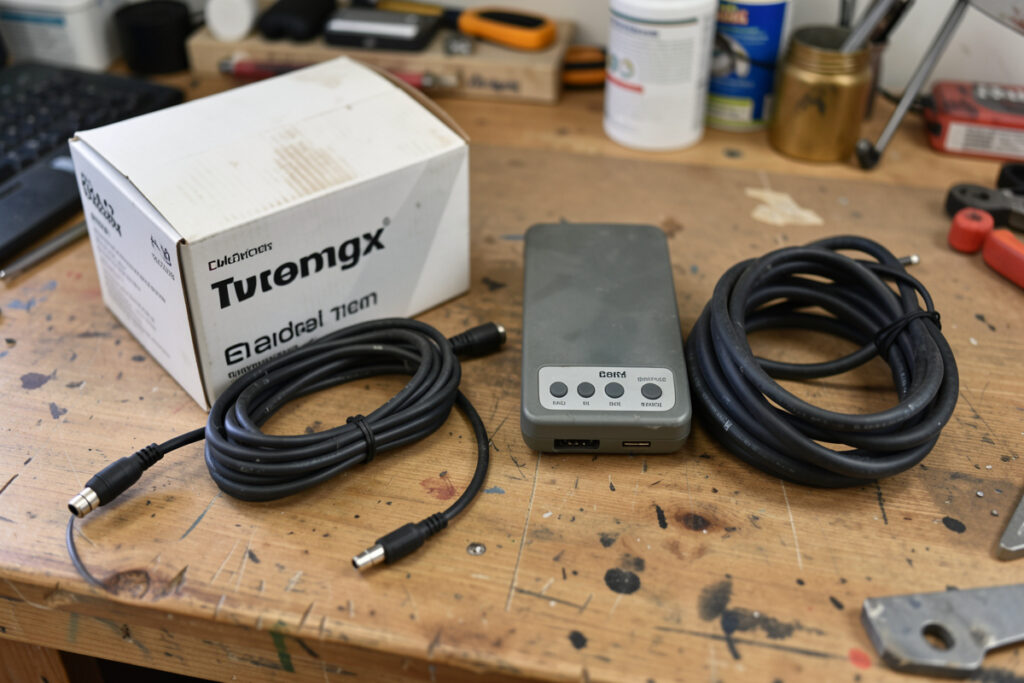
Ask for the original box, cables, and any mounts or accessories too — not for completeness’s sake, but because a careful seller who kept everything is usually a careful owner whose unit was treated well. The story around the unit tells you almost as much as the unit itself.
Pay attention to why the unit is being sold, too. An owner upgrading to the next tier is a great source — their unit was loved and worked fine, they just wanted more. An owner offloading a unit they “could never get good numbers from” is a yellow flag: it may be a genuine fault, or it may be a unit that was simply never set up to its technology’s rules, in which case it could be a bargain for a buyer who knows better. Ask the open question and listen to the answer. A seller who can describe their setup and what the unit did well is reassuring; one who is vague or frustrated is telling you something, whether they mean to or not.
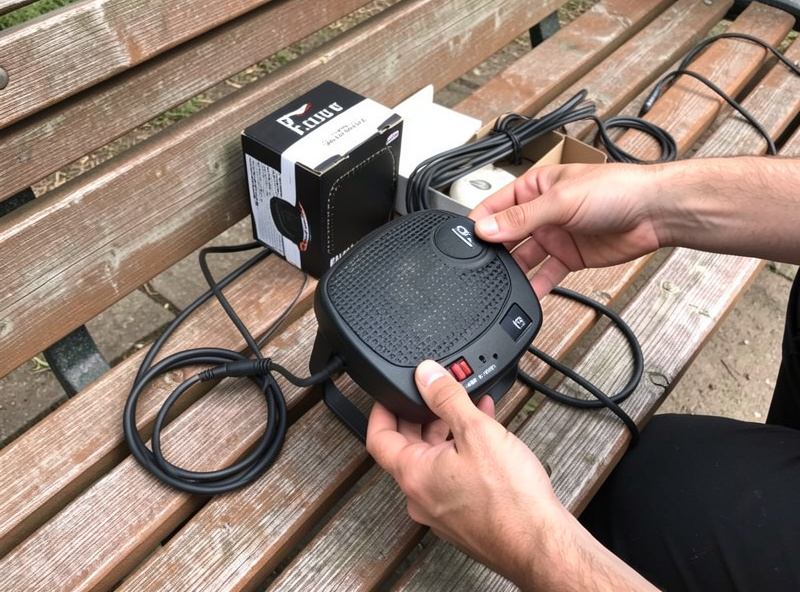
The Test Swings That Expose a Bad Unit
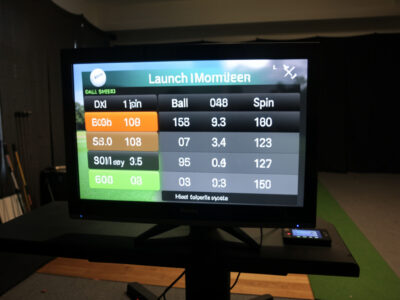
If you can test before buying, do. The single most revealing check is consistency: hit several shots with the same club at the same intended speed and watch whether ball speed and carry cluster sensibly or scatter wildly. A healthy unit reports a tight, believable cloud; a miscalibrated or damaged one throws numbers that do not hang together. Hit a few obvious mishits too and confirm the unit reacts the way it should rather than reporting fantasy data. You are not looking for tour accuracy in a parking-lot test — you are looking for internal consistency that says the instrument is reading the world correctly.
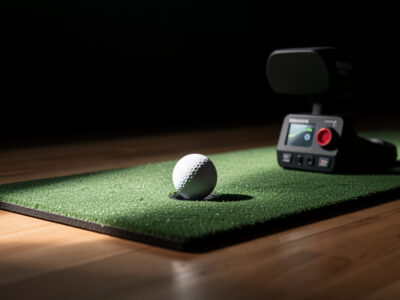
Set the unit up the way its technology demands during the test, because a “bad” used unit is often just a poorly placed one. A radar unit needs its read corridor; a photometric unit needs light and a marked ball. Give it those, and if the data still will not settle, walk away. The data-trust rules from my radar vs photometric breakdown apply doubly when you are judging a stranger’s unit.
When Used Actually Beats New
Used wins when the discount is real, the account and subscription transfer cleanly, the battery has life left, and the unit passes a consistency test. It loses when any one of those is shaky — a small saving is not worth inheriting a calibration problem or a locked account. My rule of thumb: a used unit should cost enough less than new to absorb the risk you are taking, and if the seller will not let you verify the things above, the price has to be a steal to justify the gamble. Buy used with this checklist in hand and it is one of the best-value moves in the whole budget category. Size your room first with the room requirements guide so you know which technology to even shop for.
As an Amazon Associate I earn from qualifying purchases. Links below are to product searches, not specific listings.
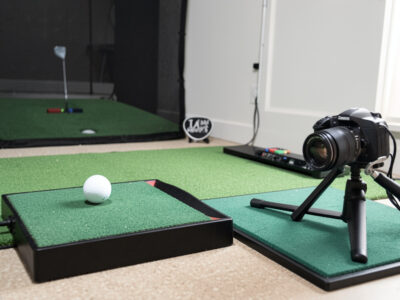
Even buying used, a couple of things are worth getting new: a fresh golf hitting mat keeps your strike position consistent so you can actually judge a used unit’s data, and a pack of marked practice balls is essential if the used unit you are testing is photometric.
Frequently Asked Questions
Is it safe to buy a used golf launch monitor?
It can be, and it saves real money, but launch monitors are electronics with firmware, batteries, and account-tied features. Confirm the account and any subscription transfer to you, check battery health, and run a consistency test before paying. Buy from a seller who allows verification, and treat vague answers about account transfer as a warning sign.
What should I check before buying a used launch monitor?
Account and subscription transferability, battery health and usage history, current updatable firmware, physical and lens condition, and a consistency test where repeated similar shots cluster sensibly. Original box, cables, and accessories also signal a careful previous owner. Any shaky item should pull the price down or end the deal.
Can a subscription transfer with a used launch monitor?
Not always, and this is the most overlooked risk. Some units gate premium features behind an account-tied subscription that may not move to a new owner. Confirm directly with the seller and the manufacturer’s transfer policy before you pay, and value the unit based on the features you will actually be able to access.
How can I tell if a used launch monitor is calibrated correctly?
Hit several shots with the same club at the same intended speed and watch whether ball speed and carry cluster sensibly. A healthy unit reports a tight, believable cloud; a damaged or miscalibrated one scatters numbers that do not hang together. Set it up to its technology’s rules first so you are testing the unit, not the placement.
When is a used launch monitor a better buy than new?
When the discount is genuine, the account and subscription transfer cleanly, the battery has life left, and the unit passes a consistency test. If any of those is uncertain, a small saving is not worth inheriting a calibration or account problem. The price should be low enough to absorb the risk you are taking.
Further Reading
- Budget launch monitor guide — the whole sub-$1,000 picture
- Launch monitor under $1,000 — the new-buyer decision
- Garmin R10 honest limits — a unit whose ecosystem is the value
- Radar vs photometric budget monitors — testing by technology