The single skill that makes a budget launch monitor worth owning is knowing which of its numbers to trust and which to ignore. At this price, every unit hands you a dozen data fields, but they are not equal: some are directly measured and reliable, some are measured but condition-dependent, and some are calculated by a model that wanders exactly when you most want the truth. After a winter of running budget radar and photometric units against the same swings, here is the field-by-field map I practice by.
This is the data companion to my budget launch monitor guide — read that for the buying decision, this for how to read the numbers once the unit is on your floor.
The Three Tiers of Trust
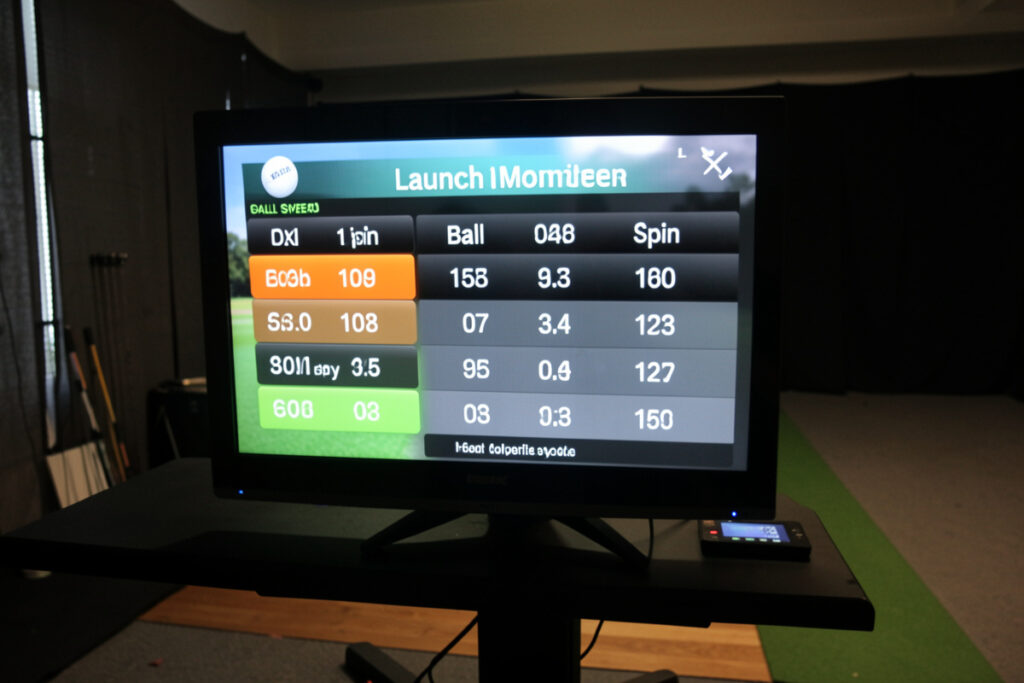
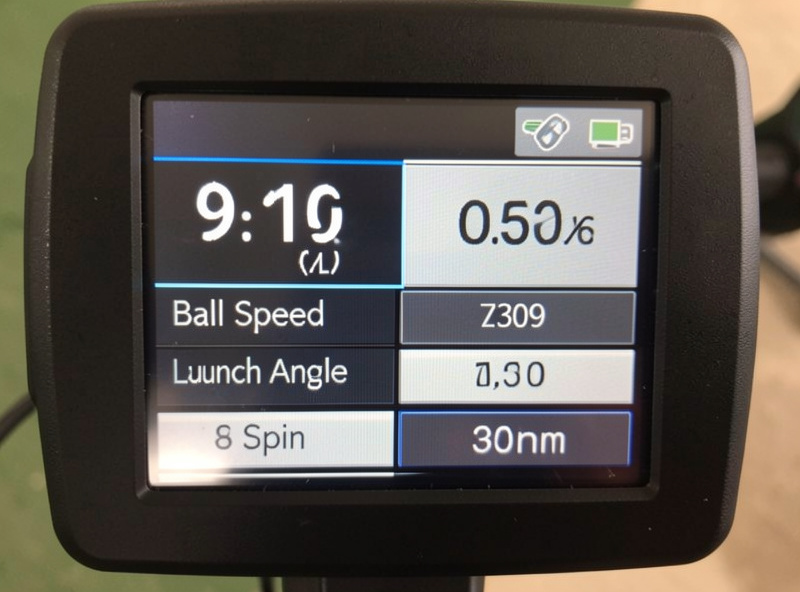
Every data field on a budget monitor falls into one of three buckets. Directly measured and reliable: ball speed sits here on nearly every unit, because it is the easiest quantity to capture and the one the whole flight model leans on. Measured but condition-dependent: launch angle and ball direction live here — usually solid, but only when the unit is set up correctly and the read distance or lighting is right. Calculated, treat with suspicion: spin and the club-data fields frequently sit here at this price, derived from a model rather than directly measured, and they are where a $600 unit and a $6,000 one really diverge.
The whole discipline is knowing which field is in which bucket on your specific unit, and reading each one accordingly. A number being “calculated” does not make it useless — it makes it a trend indicator rather than a precise truth. The mistake is treating a modeled spin figure as if it were measured and chasing it shot to shot.
There is a reason this ordering exists, and it is worth understanding rather than memorizing. Ball speed is easy to capture because it is a single, large, unambiguous physical quantity — the ball is moving fast in roughly one direction, and both radar and cameras read that cleanly. Spin is hard because it is a small, fast rotation that needs either a high-resolution camera reading the ball’s markings or a radar with enough fidelity to pick out the spin signature, and budget hardware rarely has the headroom for either. So when a cheap unit reports spin, it is usually inferring it from the things it can measure — speed, launch, club type — through a model. That model is reasonable on a clean center strike and unreliable on the mishits where you most want the truth. Knowing why the number is soft makes it much easier to use it sensibly.
Field by Field
| Data field | Typical trust at budget price | How to use it |
|---|---|---|
| Ball speed | High — directly measured | Trust it; it anchors everything else |
| Carry distance | Good — if setup is right | Reliable once read distance / lighting is correct |
| Launch angle | Good — condition-dependent | Trust with a clean setup |
| Ball direction | Good — condition-dependent | Use for dispersion shape |
| Spin rate | Lower — often modeled | Trend only; do not chase to the RPM |
| Club path / face | Low — usually modeled | Approximate; not for swing changes |
| Smash factor | Derived from speed inputs | Only as good as its inputs |
Read this table against your own unit’s documentation, because the exact split shifts between radar and photometric. The most popular budget radar unit, the Garmin R10, models spin and club data — I cover precisely where in my Garmin R10 honest limits article. A budget photometric unit can read spin more directly, but only with good light and a marked ball, which is the trade I lay out in the radar vs photometric breakdown.
Read Data as a Cloud, Not a Point
The most important habit at this price is to read your data as a cloud rather than a single precise point. Hit ten similar shots and look at the spread — the cluster of ball speeds and carries — rather than fixating on any one number. A budget unit can be accurate on average while scattering more on any single shot, so the average and the spread tell you the truth, and a lone reading tells you very little. This is also how you catch a setup problem: if the cloud is huge, your placement or lighting is usually wrong, not your swing.
This cloud-reading mindset is what turns a budget monitor into a genuine practice tool. Track your club gaps and your dispersion session to session, and you are using the data exactly where it is strong — relative comparisons over time — while quietly ignoring the false precision of any single modeled figure.
How Setup Changes the Data You Get
Half of “is this number trustworthy” is really “did I set the unit up correctly.” A radar unit denied its read corridor will report carries that are not just imprecise but flatly wrong, because it never saw enough flight to compute them. A photometric unit in poor light or fed an unmarked ball will hand you spin numbers that look authoritative and are invented. So before you distrust the hardware, audit the setup: read distance and a clear path for radar; even lighting and a marked, correctly placed ball for cameras. The difference between “this unit is garbage” and “this unit is honest” is, more often than not, the difference between a sloppy setup and a careful one — the same lesson I document on the most popular unit in my Garmin R10 honest limits article.
This is also why the room itself belongs in any data conversation. A monitor cannot report a clean, repeatable swing if you are flinching away from a wall or ducking a low ceiling, because the swing it is measuring is not the swing you would make in a properly sized space. Garbage in, garbage out applies to the golfer as much as the unit. If your data is scattering and your setup is correct, look at whether the room is making you swing tentatively before you blame the monitor — a point I make at length in the room requirements guide.
What This Means for Practice
Put all of this together and a practice session with a budget monitor has a clear shape. Warm up, then hit a meaningful number of shots per club so the cloud has enough points to mean something. Read the average carry and the spread, not the headline number on your best strike. Compare today’s cloud to last week’s for the same club — that comparison is where genuine feedback lives. Use spin and any club fields only to notice gross changes, never to make fine swing adjustments. Done this way, the cheap unit becomes a disciplined feedback loop for gapping and dispersion, which is exactly the practice that holds up when you take your game back outdoors in spring.
The golfers who get the least from budget monitors are the ones who treat every number as gospel and end up chasing measurement noise. The ones who get the most have internalized the three tiers, set their unit up to its rules, and read everything as a cloud. The data is honest if you ask it honest questions — and that, more than any spec, is what makes a sub-$1,000 monitor worth owning.
A Worked Example From My Room
Here is how this plays out in practice. One winter I convinced myself my seven-iron had developed a spin problem because the number kept jumping around session to session. I spent a frustrating week chasing it — changing ball position, gripping down, second-guessing my strike — before I stepped back and remembered the rule I am preaching here: that spin figure was modeled, not measured, and it was wandering on exactly the off-center strikes you would expect. The moment I stopped looking at the single spin number and looked at the cloud instead, the truth was obvious: my ball speed was consistent, my carry cloud was tight, and my actual gapping was fine. The “problem” was measurement scatter on a soft field I should never have been chasing.
That week cost me nothing but ego, and it taught me the lesson that underpins this whole article: a budget monitor punishes false precision and rewards honest, relative reading. Trust the fields it measures, hold the modeled fields loosely, read the cloud, and the unit will tell you the truth about the things that actually move your scores. Ask it for tour-grade certainty on a soft number, and it will happily lie to you with a confident decimal. The instrument is honest; the discipline is yours.
The Relative-Instrument Rule
Everything above collapses into one rule: a budget launch monitor is a relative instrument, not an absolute one. Used to track your own gaps, dispersion, and trends, it is genuinely valuable. Used as an absolute truth machine where every number is gospel, it will have you fixing problems that are really just measurement scatter. The pros who get the most from cheap units are the ones who internalized this and stopped chasing individual numbers.
Set the unit up to its technology’s rules, read the cloud, trust ball speed and dispersion, treat spin and club data as trends, and a sub-$1,000 monitor measures honestly for everything it is actually capable of measuring. If you want the buying side of this — which unit, new or used — start from the launch monitor under $1,000 guide, and check that your room can feed your chosen technology with the room depth breakdown. The buying decision and the data-trust decision are two halves of the same skill.
Related Guides
- Budget launch monitor guide — the full sub-$1,000 picture
- Radar vs photometric budget monitors — how technology shifts the data
- Garmin R10 honest limits — measured versus modeled on the popular unit
- Buying a used launch monitor — judging a stranger’s data