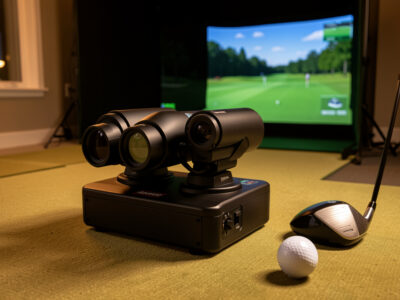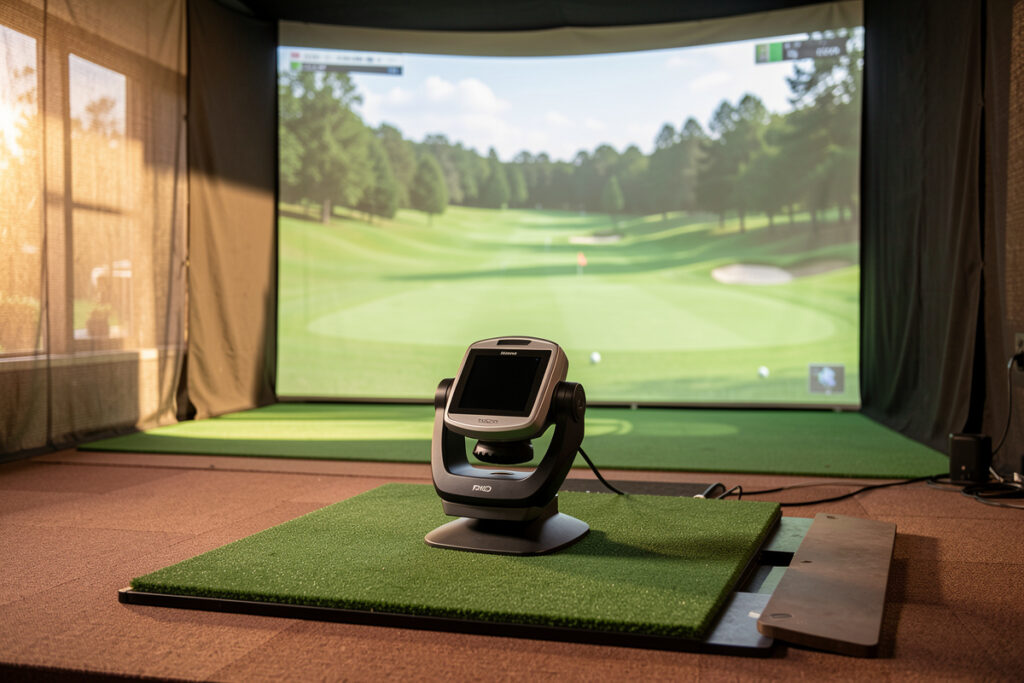
A high-end golf launch monitor earns its price by measuring club delivery directly and trusting its own ball numbers without a calibration ritual. In my sim room the line between a $600 unit and a $15,000 one is not the screen behind it — it is how many of the numbers I can act on without a second guess. The premium tier buys certainty, not prettier graphics.
I have run radar and camera monitors side by side against the same swings through a Swedish winter, and the high-end comparison comes down to three things: whether the unit sees the clubhead, how stable its spin reading is, and how little it asks of you to stay accurate. This guide ranks the premium field the way a builder ranks it — by the data you can build a winter of practice on, not the marketing accuracy figure.
What “High-End” Actually Buys You
High-end means measured club data, direct spin, and consistency you do not have to babysit. A premium launch monitor reports clubhead speed, attack angle, club path, face angle and dynamic loft from real measurement rather than inference, and it holds those numbers shot after shot. That is the whole game: a $600 radar can give you a believable carry number, but it estimates the club delivery that produced it.
When I talk about the premium tier on this site I mean roughly the $3,000-and-up segment — SkyTrak+ as the gateway, then Bushnell Launch Pro, Uneekor, Foresight, and Trackman climbing from there. Below that sits the budget radar world I covered in my budget launch monitor guide, where the Garmin R10 lives. The premium question is never “does it work” — it is “which numbers can I coach myself with, and which are decoration.”
The Premium Field, Unit by Unit
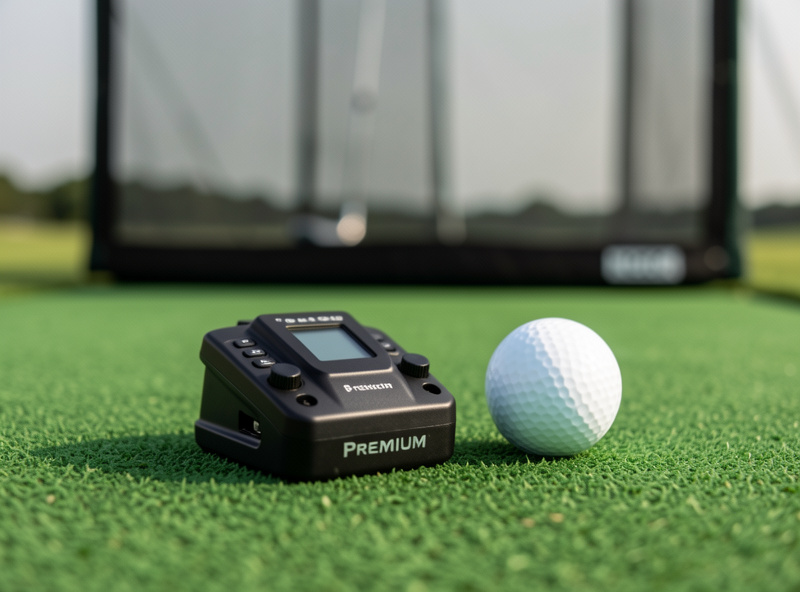
There are really five names that matter at the top of the home market, plus the gateway unit that gets most people into real data. Here is how I see them after living with this tier, not reading the brochures.
SkyTrak+ is the gateway to trustworthy data and the unit I point most home builders at first. It is a photometric (camera-based) device with added radar assistance on the Plus for ball spin and a few direct reads the original SkyTrak inferred. For around $3,000 it gives you ball data you can train on and enough club-adjacent information to fix the obvious faults. It sits on the floor and looks at the ball — simple to live with. My full SkyTrak+ review and accuracy breakdown covers where it holds and where it drifts.
Bushnell Launch Pro runs the same Foresight quadrascopic camera engine in a smaller body, with club data unlocked behind a subscription tier. It is the cheapest way into genuine Foresight ball reading, and the data quality reflects that pedigree even if the licensing model annoys me.
Uneekor (EYE XO and XO2) are overhead camera systems — they mount above you and look down, which keeps the floor clear and reads both sides of the ball. With marked balls they deliver club data that competes far above their price, but the ceiling-mount install is a real build commitment, not a set-it-on-the-mat unit.
Foresight GCQuad is the four-camera commercial standard — the unit fitters and tour vans actually use. It measures club data directly off the clubhead with no marked ball required, and its numbers are the reference everything else gets checked against. My Trackman vs Foresight GCQuad comparison is the deep dive on those two.
Trackman is dual-radar — it tracks the full flight of the ball downrange rather than reading it only at impact, which is why it is the outdoor and tour-coaching standard. Indoors it needs depth to see enough ball flight, and that room requirement matters as much as the price tag does.
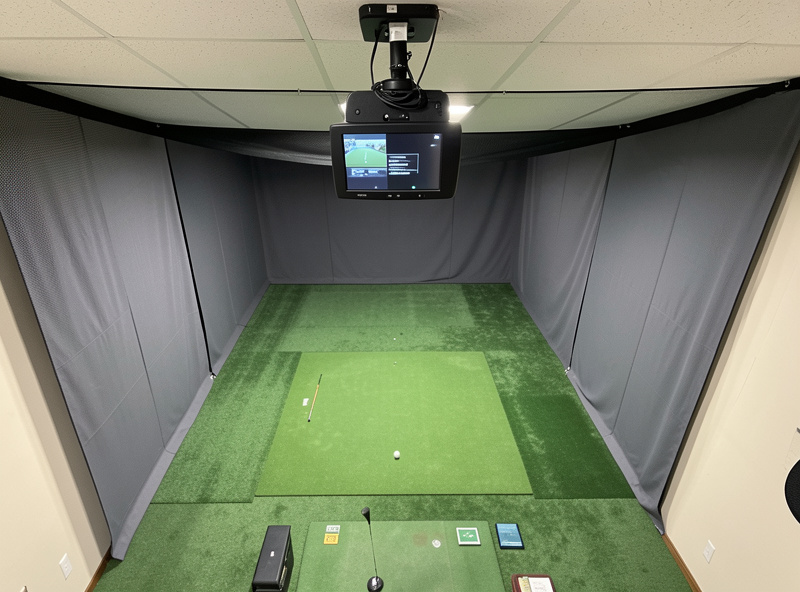
Premium Launch Monitor Comparison Table
Prices below are approximate and move with releases and subscription bundling — treat them as tiers, not quotes. The column that actually decides your purchase is “club data source,” because that is what separates inference from measurement.
| Monitor | Measurement type | Club data source | Indoor space need | Approx. tier |
|---|---|---|---|---|
| SkyTrak+ | Photometric + radar assist | Ball-led, limited club | Low (floor unit) | ~$3,000 |
| Bushnell Launch Pro | Photometric (quadrascopic) | Direct, subscription-gated | Low (floor unit) | ~$3,500–4,000 |
| Uneekor EYE XO2 | Photometric (overhead) | Direct with marked ball | Ceiling-mount build | ~$8,000–10,000 |
| Foresight GCQuad | Photometric (4 camera) | Direct, no marked ball | Low (floor unit) | Five figures |
| Trackman | Dual radar (Doppler) | Direct, downrange tracking | High (depth for flight) | Mid five figures |
How I Actually Compare Them: Same Session, Both Units
The only honest launch monitor comparison is the same swing read by two devices at once, then a look at where the numbers diverge. Marketing pages quote accuracy against a Doppler reference in a lab; that tells you nothing about how a unit behaves on your mat, in your light, with your slightly toed-in 7-iron. So I hit sessions with two monitors running in parallel and log the gaps between them.
What you learn is that ball speed and launch angle agree almost everywhere — those are the easy numbers. The divergence shows up in spin and in the club data. A radar unit and a camera unit can disagree on backspin by hundreds of RPM on the same strike, and that gap is the difference between a draw you can trust and a guess. My launch monitor data accuracy comparison publishes the specific metrics that hold and the ones that wander between tiers.
Radar Versus Camera in the Premium Tier
At the top of the market the radar-versus-camera split is a room decision as much as a data one. Radar (Trackman, and the budget Garmin R10) watches the ball travel and needs depth behind the hitting position to see enough flight; cameras (Foresight, Uneekor, SkyTrak+) read the ball and club at the impact zone and work in a tighter room. In my space, ceiling and depth decided this before budget ever did.
Neither technology is universally “more accurate” — they are accurate at different things. Radar is superb at full-flight downrange data and outdoor work; cameras are superb at impact-zone club delivery and tight indoor rooms. I break the whole trade-off down in radar vs camera launch monitor explained, because picking the wrong one for your room is the most expensive premium mistake there is.
The Room Comes Before the Monitor
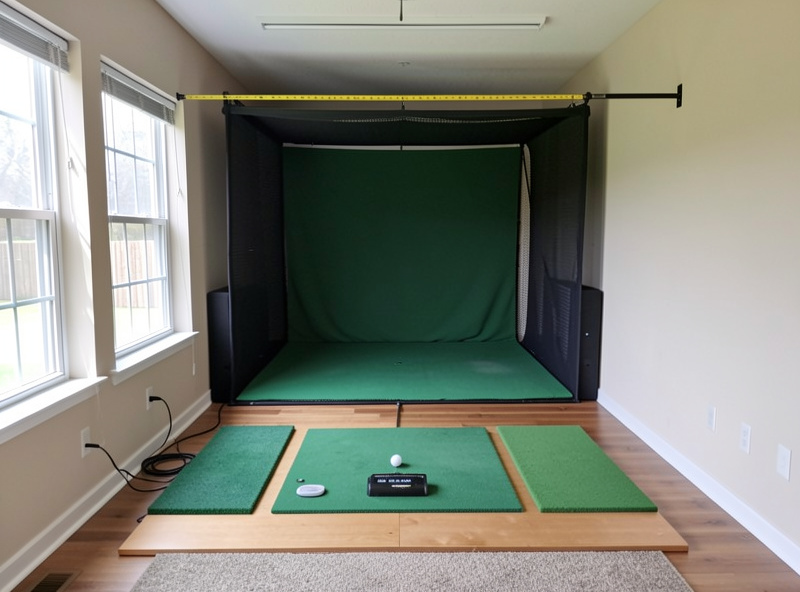
This is the rule no one selling launch monitors will tell you: the room budget buys more practice value than the next monitor tier. A $15,000 monitor in a room too short to see ball flight, on a cheap mat that lies to you about strike, behind a screen that bounces balls back at your shins, is worse practice than a SkyTrak+ in a properly built space. Build the room first.
That means ceiling height for your driver and your height, depth for the monitor’s sightline, and a mat that gives honest feedback on fat shots. Start with my golf simulator room requirements guide and the ceiling height reality check before you spend a krona on a monitor. The room depth guide matters doubly if you are leaning radar. And the mat under your ball is not an afterthought — my hitting mat guide and the fairway-feel mat comparison explain why a bad mat corrupts the very data you paid premium money to capture.
Which Premium Monitor for Which Builder
After all the side-by-side sessions, my buying advice sorts by what you are actually building. If you want trustworthy ball data and the simplest install, the SkyTrak+ is the answer and the money you save goes into the room. If you want direct club data without a marked ball and a unit that doubles as a fitting reference, the Foresight family (Launch Pro up to GCQuad) is the path. If you have the ceiling and want club data on a clear floor, Uneekor overhead is the builder’s favorite. If you coach outdoors and want full-flight radar that travels, Trackman is still the standard — just respect its depth requirement indoors.
One more honest branch: if you are still deciding whether a launch monitor or a full simulator is even the right purchase, read golf simulator vs standalone launch monitor first — the answer changes what you should spend on the monitor at all. And if you are shopping the used market to reach this tier on a real budget, my used premium launch monitor checklist is the one to read before you wire money to a stranger. Newer to the data side entirely? My plain-language guide to golf simulator shot data explained covers what each number means.
Of the premium-adjacent units that are actually easy to buy and return, the SkyTrak+ is the one I steer most home builders toward as a first real-data purchase — you can check current pricing on the SkyTrak+ launch monitor listing. The premium Foresight and Trackman units are sold direct rather than through general retail, so I would not trust a marketplace “deal” on those without the used-buying checklist above.
As an Amazon Associate I earn from qualifying purchases.
What the Premium Price Actually Pays For
It is worth being specific about where the money goes, because the marketing never is. Climbing from a $3,000 unit to a five-figure one does not buy you better ball speed or carry — the cheaper units already read those well. What you pay for is three things: directly measured club delivery instead of numbers reverse-engineered from ball flight, spin that holds steady across mishits and bad light, and consistency that does not drift over a long session. Those are the qualities a fitter or a serious mechanics project actually needs.
For a home golfer practising ball flight and dispersion, none of those three is essential, which is the uncomfortable truth at the heart of this hobby. I have improved more from a winter of honest reps on a SkyTrak+ in a properly built room than I ever would have from owning a Trackman in a compromised one. Decide which of the three premium qualities you genuinely need before you sign up for the price, because if the answer is “none yet,” your money belongs in the room.
Subscriptions and the Hidden Cost of Club Data
The sticker price is not the whole bill on several premium units, and this catches people out. The Bushnell Launch Pro, for example, runs the excellent Foresight camera engine but gates the full club data behind a subscription tier — the cheapest way into Foresight ball reading, but you pay yearly to unlock everything. SkyTrak+ similarly sells its game-improvement and course-play features as subscription plans on top of the hardware. Even where the hardware is a one-time buy, the software ecosystem and course libraries often are not.
Budget for the ongoing cost, not just the purchase. A unit that looks cheaper on day one can cost more over three winters once you add the plan you actually want, while a pricier unit with everything unlocked can be the better long-run value. When I compare the tiers I always look at the three-year cost with the features I would really use, because that is the number that matters once the novelty of the purchase has worn off.
Outdoor Versus Indoor for Premium Units
Where you will actually use the monitor changes the ranking entirely. If your practice is mostly outdoors on a range, radar’s full-flight model is the strength you are paying for, and Trackman earns its place at the top. If your practice is an indoor simulator in a normal room — which describes most of the people reading this — the camera units are the easier and often more accurate fit, because they do not depend on depth you may not have. A premium radar in a short basement is a Ferrari in a car park: capable, and unable to show it.
This is also why I keep pushing the room question ahead of the brand question. The same five-figure unit can be the best or the worst choice in your space depending purely on dimensions and light. Match the technology to where you will swing, and the model ranking sorts itself out from there. The deeper mechanics of that choice live in my radar vs camera explainer.
My Room-First Buying Order, Step by Step
Here is the sequence I would follow if I were starting over. First, measure your room honestly — ceiling, width and depth for your height and your driver — and accept the technology your space supports rather than fighting it. Second, build the screen, enclosure and mat to a standard that will not corrupt your data, because a premium monitor reading a bad mat lie is a waste of money. Third, choose radar or camera based on that room. Fourth, pick the model within that technology at the data-trust level your goals require. Fifth, and only fifth, spend whatever is left chasing the top of the tier.
Most people run that order backwards: they buy the most expensive monitor they can afford, then try to cram it into whatever room is left over. That is exactly how you end up with a five-figure unit underperforming a $3,000 one. Build the room, then feed it the right monitor. My room requirements guide is the place that sequence starts.
Reaching the Premium Tier for Less
The premium tier does not have to mean full retail. Launch monitors hold their value well, and the used market is a real path into a SkyTrak+, a Foresight unit or an older Uneekor at a meaningful discount — if you buy carefully. These are precision instruments with cameras, radar components and firmware, so a used unit needs more scrutiny than a used driver does. I will not buy one without confirming it powers on, holds calibration, reports plausible numbers on a few test swings, and still has whatever software entitlement the seller claims.
The risk is not just a dead unit; it is a subtly drifting one that reads believable but wrong numbers, which is worse than no monitor at all because you will train against lies. That is why my used premium launch monitor checklist is built around proving the data is sound before money changes hands, not just that the box lights up. Bought well, the used market is how a lot of home builders reach a tier their budget would not otherwise touch — just never wire money on the strength of a stock photo and a promise.
Premium Buying Mistakes I See Most
A few mistakes repeat constantly. People buy radar for a room too short to feed it. They skimp on the mat and then blame the monitor for inconsistent strike data. They pay for measured club data they never use because their goal was always just ball flight. They forget the subscription bill until it arrives. And they chase the brand a YouTuber uses instead of the technology their own room needs. Every one of those is avoidable with an hour of honest measuring and a clear answer to the question “what am I actually trying to practise.”
The builder’s rule holds at every price: the room is the first component, the mat is a data component, and the monitor is only as good as the space you put it in. Get those priorities right and even the gateway SkyTrak+ will give you a winter of practice you can trust. Get them wrong and the most expensive monitor on the market will still hand you numbers you should not believe. Spend your first thousand on the room and your second thousand on the data, not the other way round, and you will have a setup that sharpens your game instead of one that just decorates the wall.
Frequently Asked Questions
What is the most accurate home golf launch monitor?
The Foresight GCQuad is the reference-grade home unit for direct club data, and Trackman is the standard for full-flight radar accuracy. For ball data alone the gap between these and a SkyTrak+ is smaller than the price gap suggests, which is why most home builders do not need the very top tier.
Is a $3,000 launch monitor good enough for a home simulator?
Yes, for most golfers. A SkyTrak+ class unit gives ball data you can train on and enough club information to fix obvious faults. The money you save versus a five-figure monitor is better spent on room depth, a quality mat, and a proper impact screen, which improve practice more than the next data tier does.
Do I need direct club data or is ball data enough?
Ball data alone teaches you ball flight, dispersion and carry, which is most of practice. Direct club data like attack angle and face-to-path becomes worth the premium when you are working on swing mechanics rather than just scoring. Be honest about which you are doing before paying for measured club numbers.
Why does radar need a bigger room than a camera monitor?
Radar tracks the ball through its actual flight, so it needs depth behind the hitting position to see enough travel before the screen. Camera units read the ball and club at the impact zone and work in a tighter room. In a short room a camera unit is usually the more accurate practical choice.
Does a more expensive launch monitor make me a better golfer?
Only if you act on the data. A premium monitor measures faults more precisely, but it does not fix them. I have seen more improvement come from a well-built room with honest mat feedback and consistent practice than from upgrading the monitor. Spend on the room and the practice structure first.
Can I trust spin numbers from a premium launch monitor?
Spin is the hardest metric to measure and where premium units earn their price. Radar measures spin directly off the ball; cameras read or infer it at impact with varying methods. Two good monitors can still disagree on backspin by a few hundred RPM on the same strike, so treat spin as a trend, not gospel.
Related Guides
- Trackman vs Foresight GCQuad: the reference units compared
- SkyTrak+ review and accuracy
- Garmin R10 vs Rapsodo MLM2PRO: the budget ceiling
- Launch monitor data accuracy comparison
- Radar vs camera launch monitor explained
- Buying a used launch monitor: my checklist
- Golf simulator vs standalone launch monitor