Multiplayer is the feature that keeps a home golf sim in use through a five-month Nordic winter. GSPro’s online lobbies and the league ecosystem built around them turn a quiet room into a season of weekly competition, while E6 Connect supports online play with a structure leaning toward the commercial and facility market. If you want other people in your sim, the platform you choose decides how easily you find them — so weigh multiplayer now, not after the room is built.
I came to sim golf with a sim-racing instinct for community software, and it has been the single biggest factor in keeping my own room busy from November to March. Solo range work gets stale by February; a weekly league night does not. Here is how multiplayer and leagues actually work across the main platforms, and how to get into a regular game from a home setup.
How online multiplayer works in a golf sim
Online multiplayer in a golf sim lets players in different locations play the same virtual round together, each hitting real shots into their own launch monitor while the software syncs the results on a shared course. You are not sharing a screen — you are sharing a scorecard, taking turns or playing simultaneously while the platform tracks everyone’s ball. It is the closest a winter sim gets to a real fourball.
The experience depends on the platform’s netcode and community size. A platform with lots of active players makes it easy to find a game any night; a quieter one means you mostly play with people you already know. This is why community size is a genuine feature, not a footnote — a brilliant multiplayer system with nobody online is just a lobby you sit in alone. The same community that builds GSPro’s course ecosystem is the one that fills its lobbies.
GSPro lobbies and the league scene
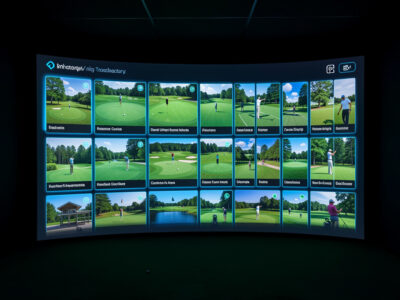
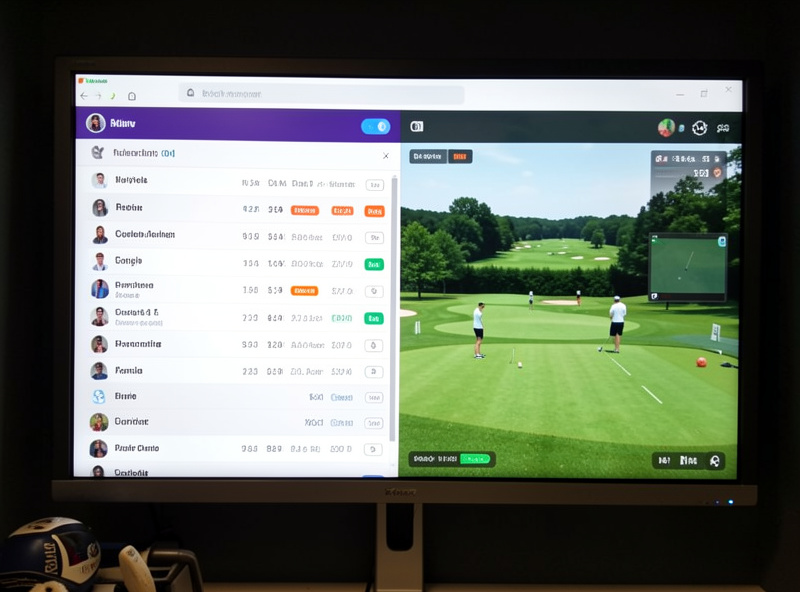
GSPro’s multiplayer is the liveliest in home sim golf. Its lobby system lets you join open games or create your own, and around it has grown a substantial league ecosystem — organised competitions with weekly rounds, divisions and standings that run across a whole season. For a home builder, this is the difference between a sim you use occasionally and one you build your winter week around.
The leagues are largely community-organised, which fits GSPro’s whole character: the same people who build courses run the competitions. Getting in is mostly a matter of finding an active league that suits your level and committing to its weekly round. In my room a GSPro league night does more for mid-winter motivation than any hardware upgrade ever has — there is a deadline, a scorecard and other people watching, and that turns practice into competition. It is also why I keep GSPro as my daily driver despite running both platforms.
E6 Connect multiplayer
E6 Connect supports online multiplayer too, with its own event and competition structure. Historically E6 has had strong ties to commercial sim facilities and franchises, so its multiplayer and event ecosystem leans toward that world — organised play, facility leagues and a more managed feel. For a home builder, E6 multiplayer works, but the home-user community is smaller and less central to the platform’s identity than GSPro’s is.
If your launch monitor’s bundled path leads to E6 and you mostly want occasional online rounds with friends, E6’s multiplayer is perfectly capable. If a thriving, easy-to-join home league scene is a priority, GSPro is the stronger bet. The broader platform trade-off, multiplayer included, is laid out in my GSPro vs E6 Connect comparison.

Playing with friends versus open lobbies
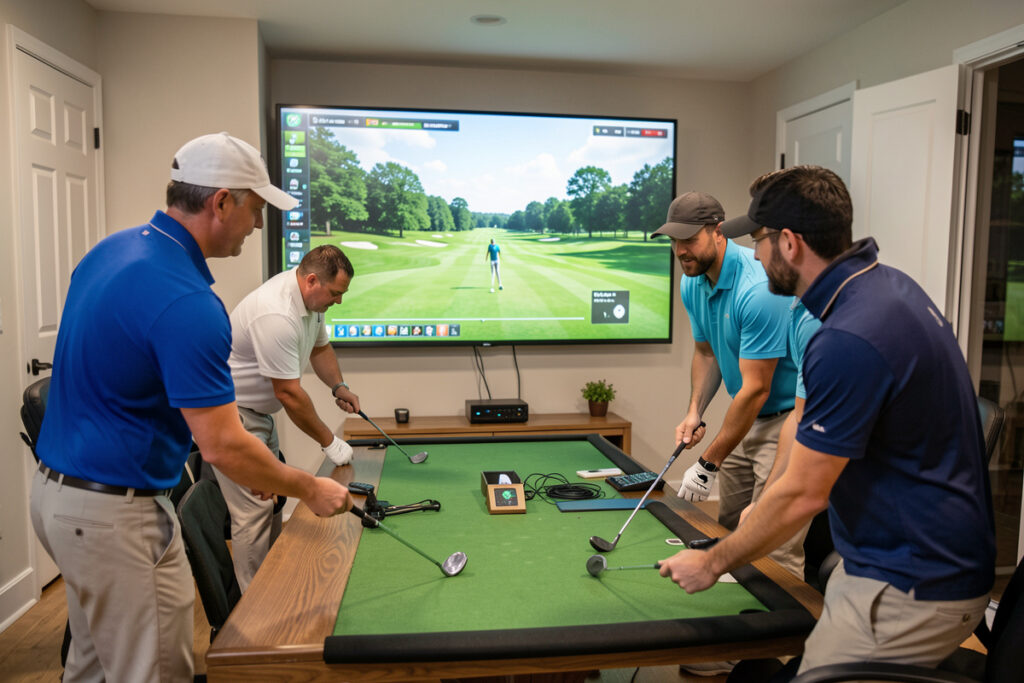
There are two distinct social modes worth understanding. Private rounds with friends are the easiest first step: you set up a game, share the details, and play with people you already know, on your own schedule and at your own level. It is low-pressure, forgiving of the odd technical hiccup, and the natural way most builders dip into multiplayer for the first time. If a couple of friends also have sims, you have a winter fourball waiting.
Open lobbies and organised leagues are the next rung. They put you in front of strangers and standings, which raises both the fun and the pressure, and they are where the platform’s community size really tells. On GSPro you can find an open game most nights; on a quieter platform you may wait. My advice is to start private with friends to learn the flow, then step into an open league once your room and your data are reliable enough that you are not apologising for them every hole. Build the habit first, add the competition second.
What you need for smooth online play
Multiplayer adds a few requirements on top of a normal sim build. A stable internet connection matters — not a fast one necessarily, but a consistent one, since dropouts mid-round are the quickest way to frustrate a fourball. Your launch monitor and software need to be calibrated and reliable, because nothing kills a league night like a misreading monitor adding phantom strokes to your card.
Beyond that, the same hardware that runs your courses well runs multiplayer well; there is no special graphics demand. The thing most home builders underestimate is the social setup: knowing when leagues run, having your room ready to play at a fixed weekly time, and treating the league round as an appointment. The technology is the easy part. If your data is not yet trustworthy, sort that first — a clean signal from a well-calibrated monitor, covered in my shot data guide, is the foundation everything else sits on.
League formats you will run into
Sim leagues come in a few recognisable shapes, and knowing them helps you pick one you will actually stick with. The most common is a weekly stroke-play format: every player plays the same course that week, posts a score, and standings update across a season. It is the easiest to join because you play your round whenever suits you and the league collects the cards. Match-play and team formats add direct head-to-head pressure, while skins and closest-to-the-pin events keep things light for a casual group.
There are also handicapped leagues that level the field so a mid-handicapper can compete with a low one, which matters in a hobby where players span every ability. In my experience the weekly handicapped stroke-play league is the most welcoming entry point — it asks little of your schedule, it does not punish you for being new, and it still delivers the deadline-and-scorecard pull that makes practice feel like golf. Start there, and graduate to match-play once the weekly round is a habit.
Etiquette and pace in online play
Online sim play has its own quiet etiquette, and respecting it is how you get invited back. Be ready to play at the agreed time, keep your monitor calibrated so you are not holding up a fourball troubleshooting a misread, and call out an obvious bad reading honestly rather than banking a phantom good score. The whole appeal of league play rests on everyone trusting the scorecard, and a player whose data is suspect erodes that fast.
Pace matters too. In simultaneous play, hit when it is your turn and keep the chat for between holes; in asynchronous leagues, post your round before the weekly deadline so the standings can settle. None of this is complicated, but it is the difference between being a welcome regular and the person a league quietly stops inviting. Treat an online round with the same courtesy you would a real tee time and the social side of the sim pays you back all winter.
Is multiplayer worth building around?
For most home builders, yes. The single biggest risk to a sim investment is that it gathers dust after the novelty fades, and multiplayer is the most reliable cure I have found. A standing weekly game gives the room a purpose beyond solo practice and pulls you back to it on the dark evenings when motivation is thin. It is the reason a sim earns its keep over years rather than months.
That makes multiplayer a factor in the platform choice from the start. If competitive or social play is even a maybe for you, lean toward the platform with the stronger community, because you cannot easily add a thriving league scene to a platform that lacks one. For most home builders chasing winter golf and the company that keeps it fun, that points to GSPro — but the right answer still starts with which platform your launch monitor feeds cleanly.
One more honest note from my own room: the social side rewards consistency more than ability. The players who get the most out of sim leagues are not the best ball-strikers but the ones who show up every week, post their card, and treat the room as a standing appointment. Build for that habit — a comfortable seat, a quick startup routine, a fixed league night — and the multiplayer side of a sim will keep paying you back long after the hardware has stopped feeling new.
Keep Building
Multiplayer is one piece of a stack that starts with the room and the monitor. To put the rest in place, the golf sim software guide is the hub that ties it all together; the GSPro vs E6 Connect comparison covers the platform choice multiplayer hinges on; the PC requirements guide makes sure your machine keeps up on league night; and the subscription math shows what a season of competitive play actually costs to run. For the foundations under all of it, the room requirements guide and the course ecosystems guide are where the rest of the stack lives.