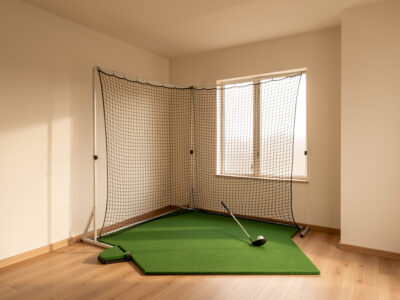
 ROOM REQUIREMENTS

Tee Time, Any Weather
EVERY COURSE. YOUR LIVING ROOM.
Honest guides to launch monitors, enclosures, hitting mats, projectors, and sim software. Build a home golf simulator that fits your room — and your budget.
01
FIRST SWINGS
New to golf sims? Learn what a launch monitor actually measures, check your ceiling height, and get hitting balls indoors without breaking anything.
Start Beginner Path
02
DIALING YOUR DATA
Ready to upgrade? Understand photometric vs radar tracking, spin numbers you can trust, and the jump from a net to a full impact screen.
Explore Upgrades
03
THE DREAM BAY
The full build-out. Ceiling-mounted launch monitors, 4K short-throw projection, GSPro on a dedicated PC, and an enclosure that looks like it belongs in a clubhouse.
Dream Bay GuidesPOPULAR GUIDES
ROOM REQUIREMENTS
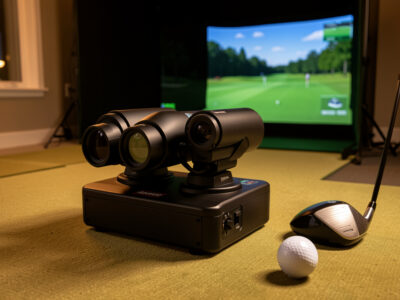 PREMIUM LAUNCH MONITORS
Trackman vs Foresight GCQuad: Which Wins at Home
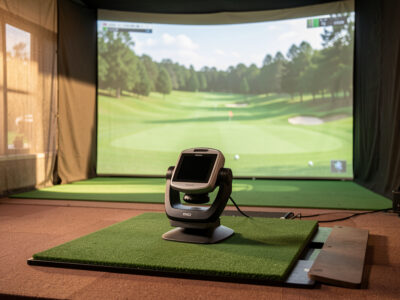 PREMIUM LAUNCH MONITORS
High-End Golf Launch Monitor Comparison: Premium Tier
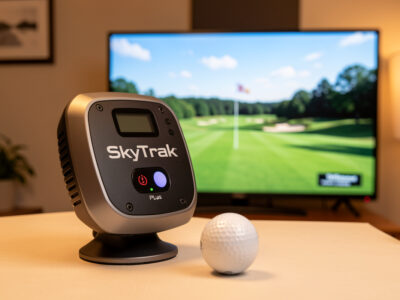 MID-RANGE SIM BUILDS
SkyTrak+ Golf Sim Build: A Centerpiece Setup Guide
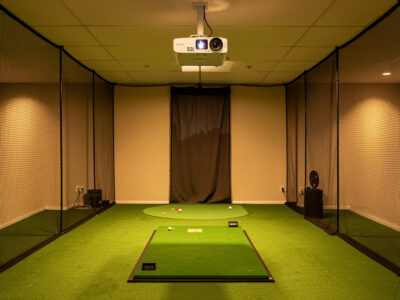 PROJECTORS & DISPLAY
Mounting a Golf Sim Projector Above the Swing Path
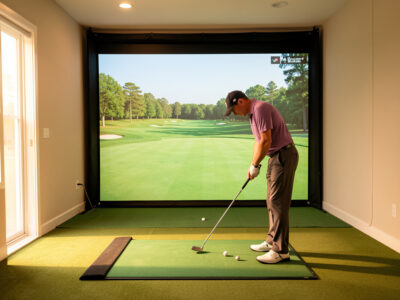 PUTTING IN THE SIM
Putting in the Golf Sim: An Honest Setup Guide
LAUNCH MONITOR COMPARISONS
Stop guessing. Photometric or radar, $600 or $7,000 — we compare tracking tech, space requirements, and software compatibility side-by-side so you buy the right unit the first time.
- Photometric vs radar tracking accuracy indoors
- Minimum room depth and ceiling height per unit
- GSPro and E6 Connect compatibility filter
QUICK COMPARE
Garmin Approach R10
Radar
~$599
SkyTrak+
Photometric
~$2,995
Uneekor EYE XO
Photometric
~$7,000
Ballpark street prices, for reference only.
BUILD UTILITIES
Room Size Checker
Check whether your ceiling height and room depth can handle a full driver swing before you spend a dollar.
Build Planner
Budget tiers from a garage net setup to a dedicated dream bay, with real-world cost ranges.
Launch Data Guide
Understanding ball speed, spin axis, and launch angle — and which numbers your monitor actually measures.