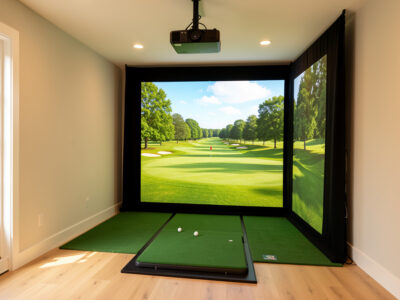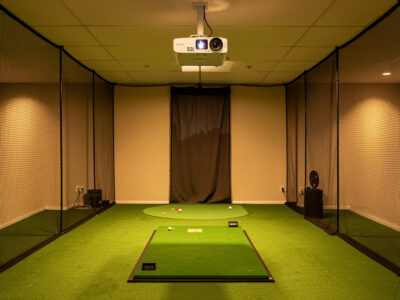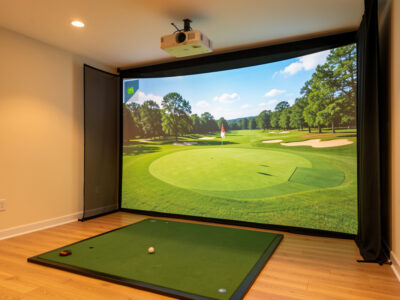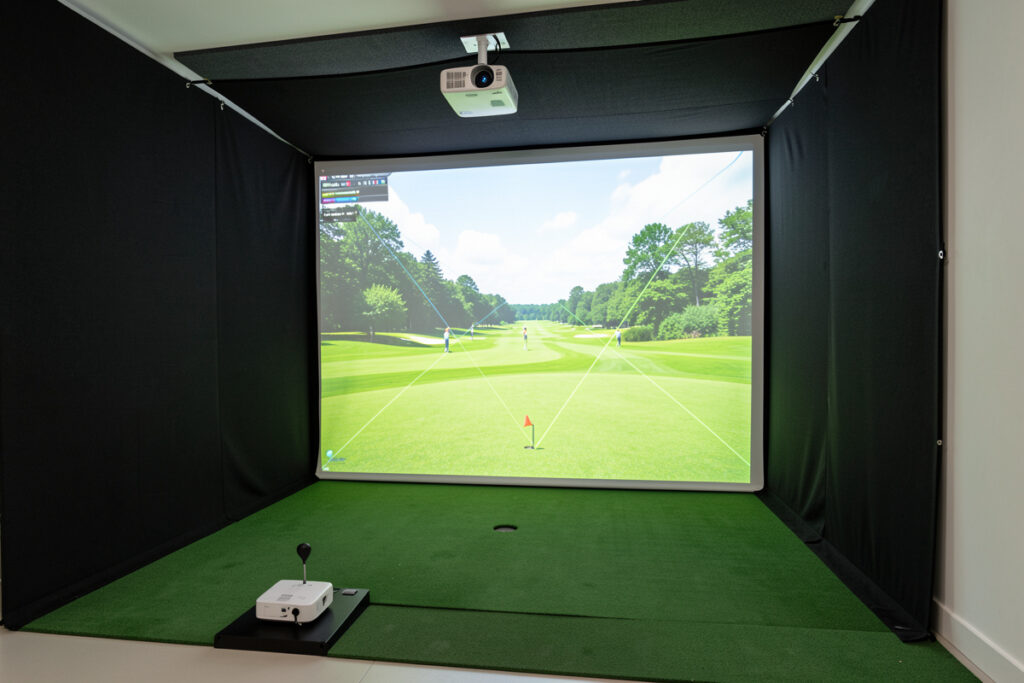
Throw ratio and lumens are the two numbers that decide whether a projector works in your golf sim. Throw ratio is mount distance divided by screen width, and it must match your room; lumens is brightness, and it must beat your room’s light. Get a throw ratio near 0.5 to 0.8 and 3,000-plus ANSI lumens and the picture problem is solved.
These two specs trip up more sim builds than anything else, because people shop on brand and brightness and never run the simple throw-ratio math that tells them whether a projector can even fill their screen. I have measured this in every room I have built, and the calculation takes one minute. This guide gives you the formula, worked examples for real sim rooms, and how the two numbers interact so you can shortlist a projector that actually fits.
What Throw Ratio Actually Means
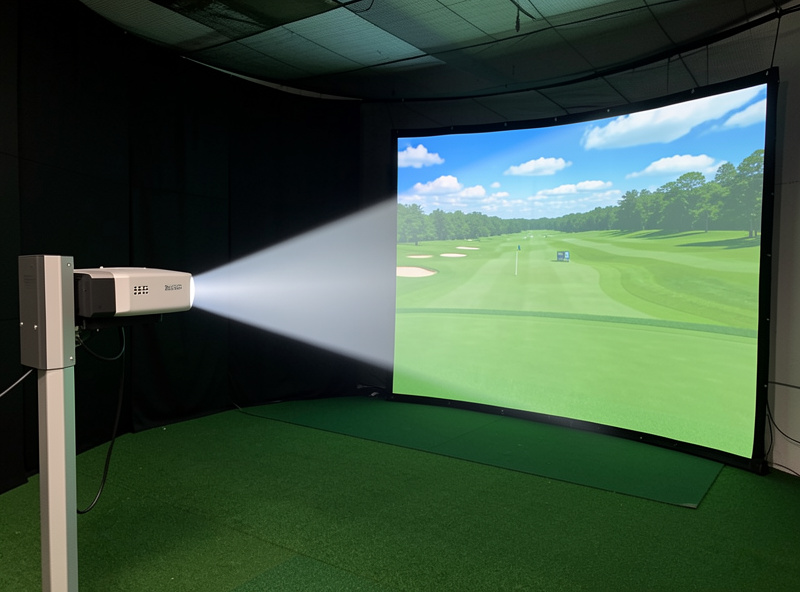
Throw ratio is the distance from the projector lens to the screen divided by the width of the image it produces. A throw ratio of 1.0 means the projector must sit ten feet back to make a ten-foot-wide image; a ratio of 0.5 makes that same ten-foot image from just five feet away. Lower ratio, shorter distance, which is exactly what a cramped sim room needs.
This is why short-throw projectors, with ratios roughly between 0.5 and 0.8, dominate golf sims: they fill a wide screen from a mount point that clears your swing. Standard-throw units around 1.2 to 1.5 need a long room you probably do not have. The throw ratio is the first filter I apply to any projector, because if it cannot fill your screen from your mount distance, no other spec matters. Calculate it before you read a single review.
The Calculation, Step by Step
To find the throw ratio you need, measure your screen width and the distance from your planned projector mount to the screen, then divide the distance by the width. If your screen is 10 feet wide and your mount sits 6 feet back, you need a throw ratio of 0.6. Shortlist only projectors that can hit that ratio, allowing for any zoom range they offer.
Work it the other way to check a specific projector: multiply its throw ratio by your screen width to get the distance it needs. A 0.5 projector on a 10-foot screen needs to sit 5 feet back; if your mount can only go 7 feet back, that unit will overshoot your screen. Most short-throw projectors quote a throw-ratio range rather than a single figure, which gives you a little flexibility, but the math still has to land inside your room. The short-throw unit I fought into my own enclosure runs about 0.69 in my room, and I always confirm the geometry against ProjectorCentral’s projection calculator before I drill a single mount hole. Measure your mount distance honestly, including where the swing arc lets you actually put it.
Throw Ratio Examples for Real Sim Rooms
The table below works the math for common screen widths and mount distances, so you can see roughly what throw ratio your room calls for. These are starting points; always confirm against your exact measurements and the projector’s quoted range.
| Screen width | Mount distance | Throw ratio needed | Projector type |
|---|---|---|---|
| 10 ft | 5 ft | 0.5 | Short / ultra-short throw |
| 10 ft | 7 ft | 0.7 | Short throw |
| 9 ft | 6 ft | 0.67 | Short throw |
| 12 ft | 8 ft | 0.67 | Short throw |
| 10 ft | 13 ft | 1.3 | Standard throw (long room) |
Notice how almost every realistic sim room lands in short-throw territory. Only a long, deep room with a far rear mount justifies a standard-throw unit. Once you know your target ratio, the short-throw projector shortlist shows how to pick a unit, and you can browse current short-throw projectors for golf simulators on Amazon filtered to your ratio.
As an Amazon Associate I earn from qualifying purchases.
Lumens: Brightness for Your Light Level
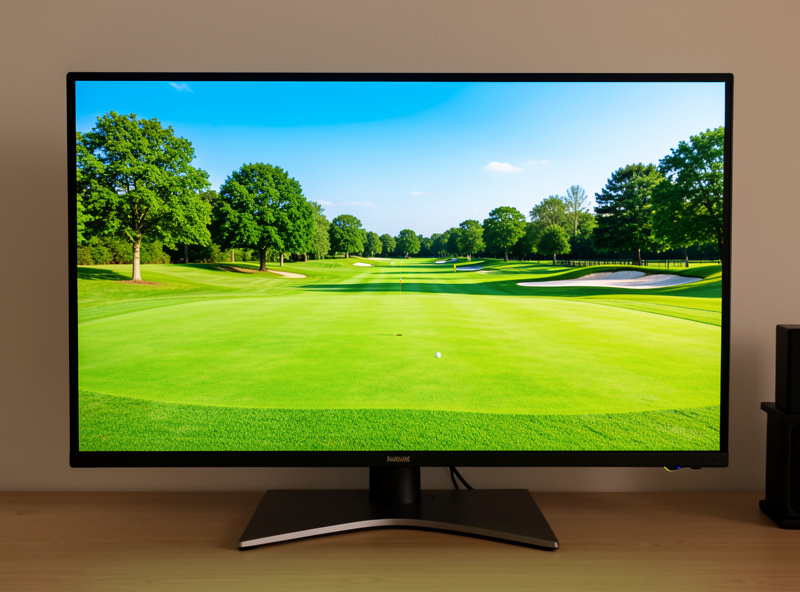
The second number is lumens, your brightness budget. In a fully blacked-out room, 2,500 ANSI lumens looks excellent; add daylight or light walls and you want 3,500 to 4,000-plus ANSI to keep the image from washing out. The one rule that matters is to compare only ANSI lumens, never the inflated “LED” or “peak” figures that can read nearly double the honest brightness.
Brightness and throw ratio are independent: a projector can have a perfect throw ratio and be too dim, or be blindingly bright and unable to fill your screen. You need both right. For most sim rooms that means a short-throw unit in the 3,000 to 4,000 ANSI band. The full daylight discussion, including how room darkening changes the math, is in projector brightness for daylight rooms. Spec brightness to your light, not to a number that sounds impressive.
How the Two Numbers Work Together
Throw ratio decides whether the image fits; lumens decides whether it looks good. Think of throw ratio as the geometry constraint set by your room, and lumens as the quality constraint set by your light. You spec the throw ratio to your dimensions first, because that is non-negotiable, then choose among the units that fit on brightness and resolution.
A common mistake is leading with brightness, buying the brightest projector you can afford, then discovering it is a standard-throw unit that cannot fill your screen from your mount distance. Geometry first, brightness second. Once both are satisfied, resolution and light engine are the finer choices. The main projector guide places these two numbers in the full picture-system, and your mount distance, which feeds the throw-ratio math, depends on getting the mounting above the swing path right.
Don’t Forget the Screen and the Room
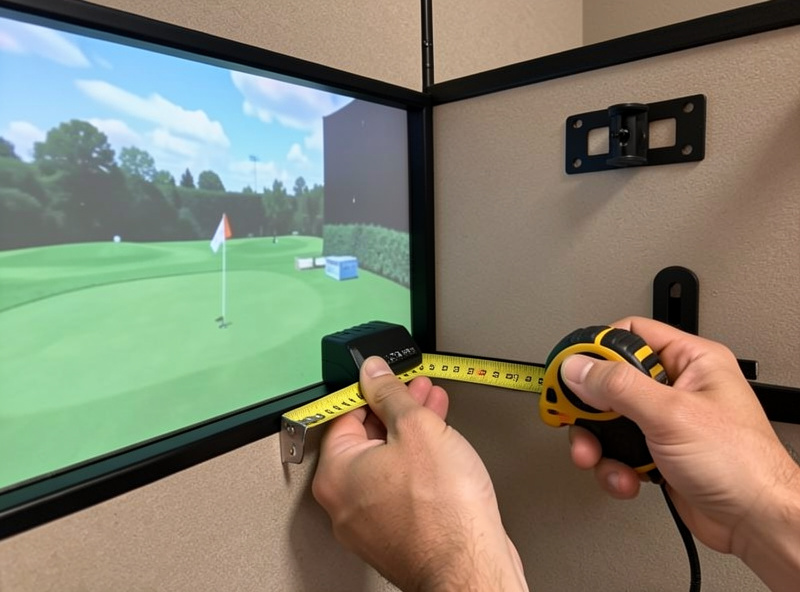
Throw ratio and lumens get the image onto the screen at the right size and brightness, but the screen width you plug into the math comes from your room, and the brightness you need depends on how dark you can make it. These specs are inseparable from your room dimensions. A screen that is wider than your room comfortably allows forces a throw ratio you may not be able to buy.
So measure the room properly before you fix on a screen width, because that width drives everything downstream. The screen distance guide and the room width guide set the dimensions that determine your screen size, and therefore your throw ratio. Get the room measured, set a realistic screen width, run the throw-ratio math, then spec the lumens to your light. In that order, the two numbers that decide a sim projector fall into place.
Frequently Asked Questions
How do I calculate throw ratio for a golf sim projector?
Measure the distance from your projector mount to the screen and divide it by the screen width. A mount 6 feet back from a 10-foot screen needs a throw ratio of 0.6. Then shortlist only projectors that can hit that ratio within their zoom range.
What throw ratio is best for a golf simulator?
Most golf sim rooms need a short-throw ratio between 0.5 and 0.8, which fills a wide screen from a mount that clears your swing. Standard-throw ratios of 1.2 to 1.5 need a long room. Ultra-short-throw under 0.4 works but adds shadow and alignment challenges.
How many lumens does a golf sim projector need?
A blacked-out room is fine at 2,500 ANSI lumens; most rooms should target 3,000 to 4,000 ANSI, and daylight rooms 3,500 to 4,000-plus. Only compare ANSI lumens, since LED or peak figures can read nearly double the honest brightness.
Is throw ratio or lumens more important for a golf sim?
Throw ratio comes first because it decides whether the image can fill your screen from your mount distance at all. Lumens decides whether it looks good against your room light. You need both right, but spec the throw ratio to your room before choosing on brightness.
What happens if the throw ratio is wrong?
If the ratio is too high for your room, the projector cannot fill the screen from your mount distance and the image is too small. If it is too low, the image overshoots the screen. Either way you cannot correct it with settings, so match the ratio to your room first.
Can I use a standard-throw projector in a golf sim?
Only if your room is long enough to mount it far back. A standard-throw ratio of 1.2 to 1.5 needs roughly 12 to 15 feet to fill a 10-foot screen, which most sim rooms lack. That is why short-throw units between 0.5 and 0.8 are the usual choice.