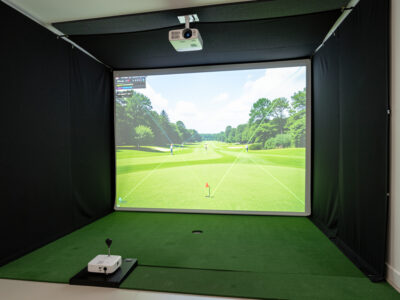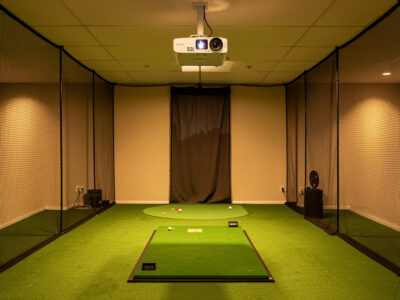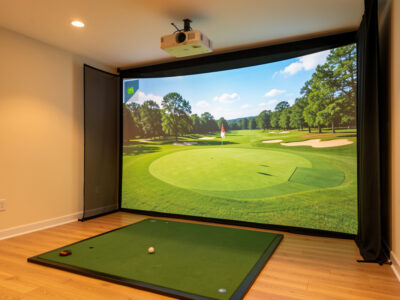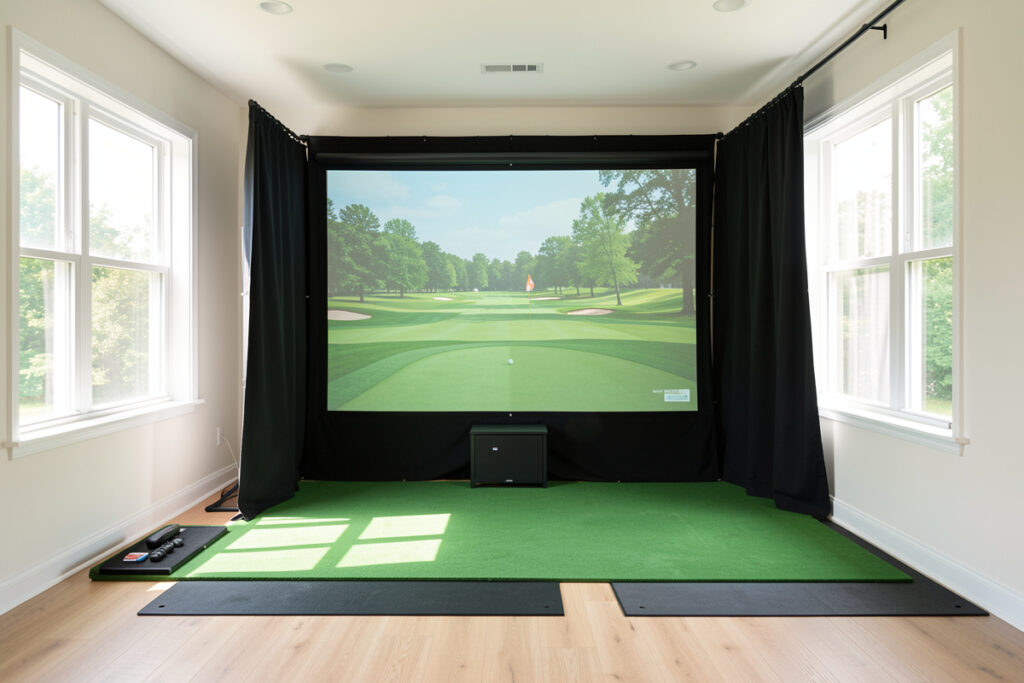
For a golf sim room with daylight, plan on 3,500 to 4,000-plus ANSI lumens, not the 2,500 that suits a blacked-out cave. Ambient light is the enemy of a projected image: every bit of daylight, white wall, and reflection lifts your blacks toward grey and washes out the picture. You either add brightness or you kill the light.
I run my own sim blacked out by choice, but I have set up rooms that could not be fully darkened, and the difference brightness makes there is dramatic. This guide is how to spec a projector that survives real daylight, why ANSI lumens are the only honest measure, and the cheaper fixes that often beat simply buying a brighter unit. Because the truth is that controlling the light usually buys more than chasing the next lumen tier does.
Why Daylight Wrecks a Projected Image
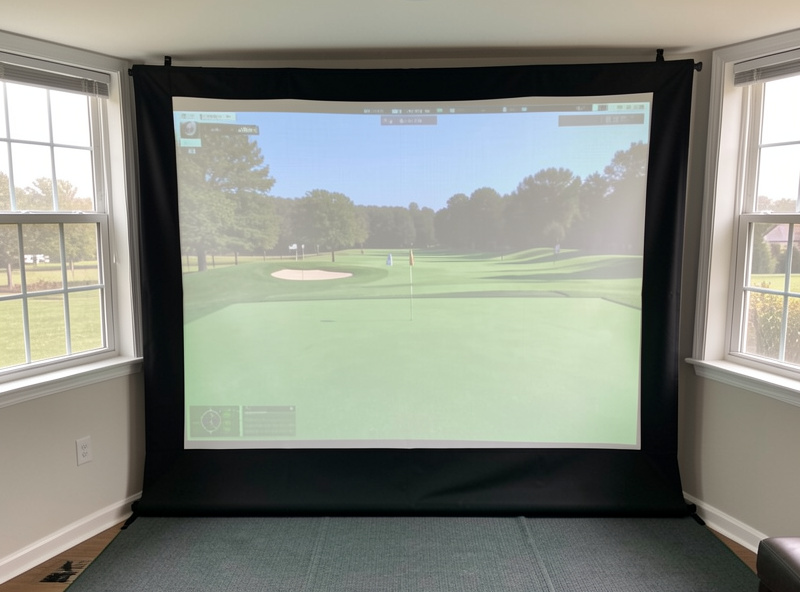
A projector adds light to a surface; it cannot subtract it. So the darkest your image can ever look is set by the ambient light bouncing around the room. In a bright room, the projected blacks become grey, contrast collapses, and the course looks flat and faded no matter how good the projector is. This is physics, not a spec you can buy your way past entirely.
That is why a unit that looks stunning in a dark basement can look washed out in a sunroom. The projector did not change; the light it competes against did. Understanding this reframes the whole purchase: you are not just buying brightness, you are buying enough brightness to overpower your room’s specific light level. Measure your room’s light honestly before you decide how many lumens you need, and remember the screen and walls are part of the equation too.
ANSI Lumens: The Only Honest Number
Brightness is measured in lumens, but only ANSI lumens are measured to a real standard. Many listings quote “LED lumens,” “light source lumens,” or “peak” brightness, figures that can read nearly double the honest ANSI value. A projector advertised at 6,000 LED lumens may deliver an ANSI brightness closer to 3,000, which changes everything about whether it suits a bright room.
I refuse to compare anything but ANSI lumens, and I treat any product that hides its ANSI figure as a red flag. When you shortlist for a daylight room, line projectors up by their stated ANSI brightness and ignore the inflated marketing numbers entirely. This single discipline saves more daylight sim builds than any other, because the most common failure is buying a “bright” projector whose honest brightness was half what the box implied. When a listing only quotes peak or LED lumens, I look the unit up against the independent measured numbers at ProjectorCentral’s projector database to find its real ANSI brightness.
How Many Lumens for Your Light Level
Brightness needs scale with how much light you cannot remove from the room. The table below is the rough banding I use to match ANSI lumens to ambient conditions. Treat it as a starting point and buy up a band if in doubt, since it is far easier to dim a too-bright image than to rescue a too-dim one.
| Room light level | Target ANSI lumens | What to expect |
|---|---|---|
| Fully blacked out | 2,500-3,000 | Deep blacks, vivid color, excellent contrast |
| Dim, some light spill | 3,000-3,500 | Strong image; minor contrast loss in blacks |
| Daylight or white walls | 3,500-4,000 | Usable, punchy image if you also control reflections |
| Bright, uncontrolled sun | 4,000+ | Watchable but compromised; darkening still recommended |
Even at the top band, a very bright, sunlit room will never match a dark one for contrast. Brightness buys usability, not perfection. When you have a target, browse current 4,000 ANSI lumen projectors on Amazon and confirm the listing states ANSI, not peak, brightness.
As an Amazon Associate I earn from qualifying purchases.
The Cheaper Fix: Control the Light
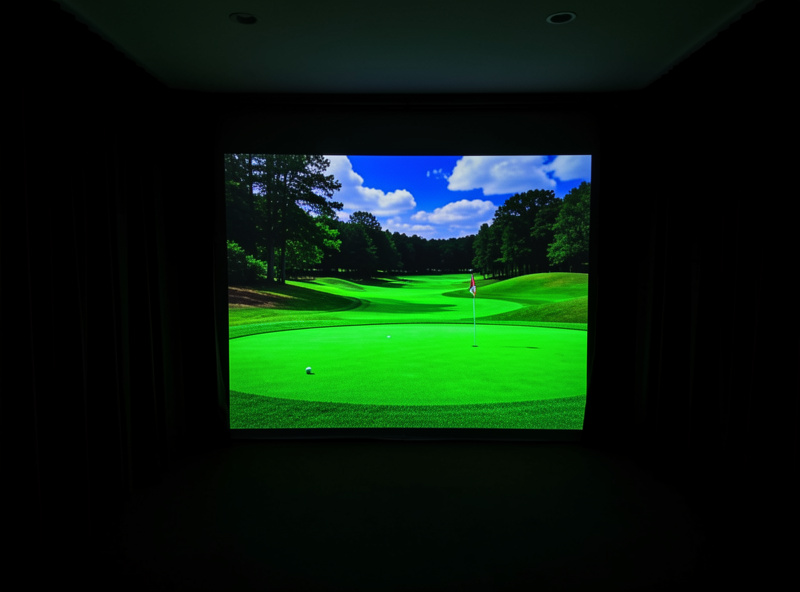
Before you spend on the brightest projector tier, spend on darkening the room, because controlling ambient light is almost always cheaper than out-brightening it. Blackout curtains or blinds on windows, dark or matte walls behind and beside the screen, and killing reflective surfaces can transform a washed-out image without a single extra lumen.
In my experience a mid-brightness projector in a properly darkened room beats a high-brightness unit in a bright one, every time. The dark room also gives you deeper blacks and richer color that no amount of brightness can replicate. I treat blackout as part of the projector budget, not a separate project; the enclosure blackout and lighting guide covers exactly how to do it. If you can darken the room, do that first and you may need far fewer lumens than you feared.
The Color-Mode Trap: Brightness You Lose at the Menu
Here is a detail that catches people out: the rated ANSI brightness is usually the projector’s brightest picture mode, which is often a cool, greenish “dynamic” or “bright” setting that looks awful on a golf course. The accurate, natural-looking color modes are frequently dimmer, sometimes by a meaningful margin. So the lumens you actually live with can be lower than the number on the box even when the box is honest.
In a daylight room this matters twice over, because you need both accurate color and enough brightness to fight the ambient light, and the two pull against each other. My approach is to buy enough headroom that even the accurate color mode stays bright enough for the room, rather than running the ugly bright mode all winter just to keep the image visible. Test the projector in the color mode you intend to use, in the room you will actually play in, not in the showroom default. A unit that only hits its rated brightness in a mode you would never choose has effectively less usable brightness than its spec claims, and a daylight room is exactly where that gap bites.
Brightness Is One Spec Among Several
Do not let the daylight problem make you forget throw ratio. A blindingly bright projector that cannot fill your screen from your mount distance is still useless, so brightness sits alongside throw ratio and resolution, not above them. Spec all three together against your actual room.
Match your brightness to your light, your throw ratio to your room dimensions, and your resolution to your PC. The full picture-system view, including how these specs interact, is in the golf sim projector guide, and the throw-ratio math lives in throw ratio and lumens for a golf sim. When you shortlist actual units, the best short-throw projector criteria fold brightness in with everything else. Brightness wins the daylight battle, but only if the rest of the spec fits your room too.
Frequently Asked Questions
How many lumens does a golf sim projector need for a bright room?
A room with daylight or white walls wants 3,500 to 4,000-plus ANSI lumens, versus 2,500 for a fully blacked-out room. Buy up a band if unsure, since dimming a bright image is easy but brightening a dim one is not. Always confirm the figure is ANSI, not peak.
Can you use a golf simulator projector in daylight?
Yes, but it is a compromise. A 3,500 to 4,000-plus ANSI lumen projector produces a usable image in daylight, especially if you also control reflections. A fully sunlit room will never match a dark one for contrast, so darkening the room remains the better fix where possible.
What is the difference between ANSI lumens and LED lumens?
ANSI lumens are measured to a real standard; LED, peak, or light-source lumens are marketing figures that can read nearly double the honest brightness. A projector listed at 6,000 LED lumens may deliver around 3,000 ANSI. Only compare ANSI lumens when shopping.
Is it better to buy a brighter projector or darken the room?
Darkening the room is usually cheaper and gives deeper blacks and richer color that brightness alone cannot replicate. A mid-brightness projector in a dark room beats a bright one in a lit room. Control the light first, then buy only the lumens you still need.
Why does my projector image look washed out?
Ambient light is lifting your blacks to grey. A projector adds light but cannot subtract it, so daylight, white walls, and reflections wash out the picture. Add brightness, darken the room, or both. In most cases controlling the light fixes it more cheaply than a brighter unit.