
A golf sim’s course ecosystem is the library of playable courses a platform gives you and the system that delivers and updates them. GSPro runs a free, community-built ecosystem with thousands of downloadable courses; E6 Connect sells a curated catalogue of officially licensed courses with consistent production values. The ecosystem you buy into decides where you actually spend your winters, so it deserves as much thought as the launch monitor.
I treat the course library the way I treat the room: it is the thing I live inside, not a spec on a box. After winters spent downloading community courses for GSPro and buying the occasional licensed render for E6, I have a clear sense of what each ecosystem really offers and where each one frustrates. This guide maps both so you can choose with your eyes open rather than by screenshot.
What a course ecosystem actually includes
A course ecosystem is more than a list of courses. It is the catalogue itself, the way courses are created or licensed, how they are delivered to your PC, how they get updated, and the community or company that keeps the whole thing alive. Two platforms can both advertise “hundreds of courses” and offer completely different experiences once you account for quality control, file management and update cadence.
For a home builder this matters because the ecosystem is the part of the software you interact with most after the novelty of the first round wears off. A platform with a vast but messy library asks for curation effort from you; a platform with a smaller, polished catalogue does the curation for you and charges accordingly. Neither model is wrong — they are different deals, and knowing which you are signing up for prevents a winter of disappointment.
GSPro: the community ecosystem
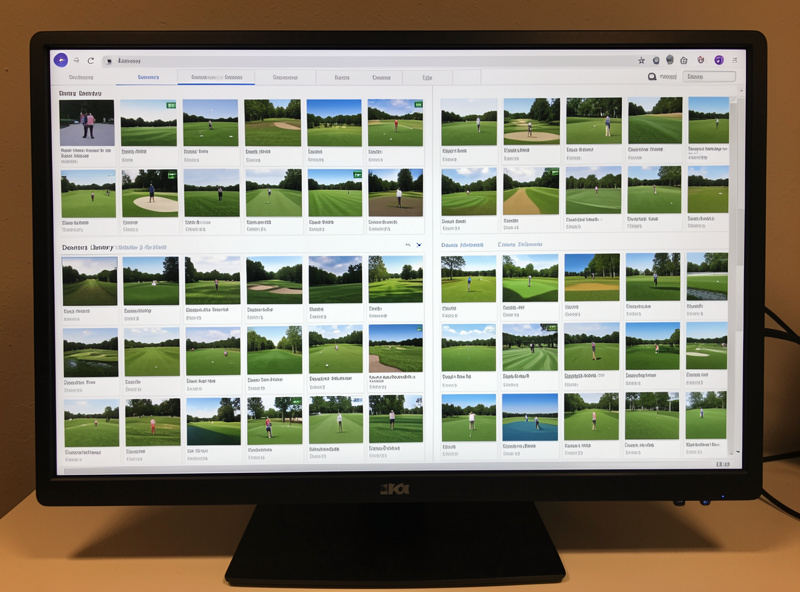
GSPro’s ecosystem is community-built and free. A dedicated group of course designers creates courses using GSPro’s official tools and shares them through a course depot the software connects to, giving you access to thousands of courses at no extra cost beyond the annual fee. The range is staggering — famous layouts, fantasy designs, faithful recreations of local tracks — and the best community courses rival anything commercial.
The trade-off is variability. Quality runs from rough first attempts to genuinely brilliant work, so part of living in the GSPro ecosystem is learning which designers you trust and curating your own short list. In my room this took a few evenings up front and then paid off for years — once you know whose courses to download, the library feels bottomless and free. This community-first character is also why GSPro’s multiplayer and league scene is so strong; the same community builds both.
E6 Connect: the licensed ecosystem
E6 Connect takes the opposite approach: a curated catalogue of officially licensed courses produced to a consistent commercial standard. You get the legal right to play named real-world courses rendered with reliable production values, and you do not have to sort quality yourself because the catalogue is controlled. The cost is that courses are sold as part of tiered plans or add-ons rather than downloaded free.
This is the ecosystem to choose when you want a specific famous course rendered faithfully, or when you would rather pay for guaranteed quality than spend evenings curating. The library is smaller than GSPro’s community sprawl but more uniform. I keep E6 around precisely for the handful of official renders that matter to me, while GSPro handles the everyday range. How that difference plays into total cost is the subject of my subscription math piece.

Updates, file management and storage
Living in an ecosystem means managing files. GSPro’s community courses are downloaded and stored locally, so a large library wants real storage — another reason a sim PC should have a roomy SSD. Courses get updated by their designers, which usually improves them but occasionally shifts how a hole plays. E6’s licensed courses are delivered and maintained through the platform, so management is simpler but you are dependent on the company’s update schedule.
The practical upshot: GSPro asks for a little file housekeeping and rewards it with freedom and volume, while E6 trades some of that freedom for a managed, hands-off experience. Either way, budget storage for your course library when you spec the machine — it is one of the quiet reasons I argue for a 1 TB SSD in the PC requirements guide.
One habit that has saved me grief: keep a short note of which course versions you like before a designer pushes an update, because the occasional revision can change a green’s contour or a tee position you had grown used to. It is a small thing, but it is the kind of detail that separates living comfortably in an ecosystem from being surprised by it mid-round on a winter evening.
Course quality versus course quantity
The honest tension in any course ecosystem is quantity versus quality. GSPro maximises quantity and lets quality vary; E6 controls quality and accepts lower quantity. Most builders discover they only really play a dozen or so favourite courses no matter how many they own, which argues for caring more about whether your handful of favourites are excellent than about the headline catalogue number.
My advice from a few winters of this: do not be seduced by raw course counts. Identify the five or ten courses you actually want to play, check whether the ecosystem renders them well, and let that decide. A platform with ten thousand courses is worthless if your favourite is a rough community port, and a smaller catalogue is perfect if it nails the courses you care about. The course library should serve your practice, which is the same logic I apply to reading shot data — substance over headline numbers.

Which ecosystem fits you?
Choose GSPro’s community ecosystem if you value abundance, free access and the fun of discovering great designers, and you do not mind a little curation effort. Choose E6 Connect’s licensed ecosystem if you want guaranteed quality, official course names and a hands-off experience, and you accept paying for content. Many builders, myself included, run both and let each cover what it does best.
The ecosystem decision is downstream of the platform decision, which is downstream of the launch monitor. Confirm your monitor feeds the platform whose ecosystem you want, then enjoy the library. The full ordering of those choices sits in the golf sim software guide, and the head-to-head platform breakdown is in my GSPro vs E6 Connect comparison.
Further Reading
- Golf Sim Software Guide (hub)
- GSPro vs E6 Connect Comparison
- Multiplayer and League Play
- Golf Sim Software Subscription Math
- GSPro PC Requirements
- Golf Simulator Shot Data Explained
Frequently Asked Questions
What is a golf sim course ecosystem?
A course ecosystem is the library of playable courses a platform offers plus the system that delivers and updates them. It includes how courses are created or licensed, how they reach your PC, how they update, and the community or company maintaining them.
Does GSPro have free courses?
Yes. GSPro’s ecosystem is community-built and free. Thousands of courses created by community designers are available to download at no cost beyond the annual fee, though quality varies and you learn which designers to trust.
Are E6 Connect courses officially licensed?
Yes. E6 Connect sells a curated catalogue of officially licensed courses produced to a consistent commercial standard, giving you the legal right to play named real-world courses, sold as part of tiered plans or add-ons.
How much storage do golf sim courses need?
GSPro community courses download and store locally, so a large library wants real storage, which is why a 1 TB SSD is recommended for a sim PC. E6 Connect courses are managed through the platform, so storage demands are lighter.
Is course quantity or quality more important?
Quality matters more for most builders. People typically play only a dozen favourite courses regardless of how many they own, so it is better to confirm your handful of favourites render well than to chase a high total course count.