GSPro and E6 Connect are the two golf sim platforms most home builders actually choose between, and the honest answer is that GSPro wins on value and community while E6 Connect wins on licensed-course polish. GSPro runs a flat ~$250 a year with thousands of free community courses; E6 sells curated official courses on tiered plans. After running the same swings through both in my own sim room, here is where the difference really lives.
This is not a spec-sheet face-off pulled from two marketing pages. I keep GSPro as my daily driver and dip into E6 Connect for specific courses, and I have fed both the same session from the same launch monitor to see where their physics and presentation diverge. That side-by-side is the only test that survives contact with a real room, so that is the test this comparison is built on.
The quick verdict
For most home builders, GSPro is the better first purchase: it costs less per year, its community course library is enormous and free, and its online play is the liveliest in the hobby. E6 Connect earns its keep when you want a specific famous course rendered to a commercial standard, or when your launch monitor’s official path leads there. Both are good — the question is which bet fits your winters.
I made the mistake early of treating this as a search for a single winner. It is not. It is a question of whether you value abundance and community or curation and polish, and whether your launch monitor talks cleanly to the platform you fall for. Get those two answers and the choice makes itself. The broader stack logic sits in my golf sim software guide, which is the hub this comparison hangs off.
Pricing: flat fee versus tiers
GSPro is the simpler line item: roughly $250 per year, flat (the figure GSPro publishes), with the full community course library included at no extra charge. E6 Connect uses a tiered subscription model that can start lower than GSPro but climbs as you add official course packs or step up plans. Over a few winters the gap can swing either way depending on how many courses you buy.
The trap is comparing only the entry price. E6’s lowest tier can look cheaper on day one, but if you keep adding licensed courses the running cost overtakes GSPro’s flat fee. GSPro’s value is that the price does not move no matter how many community courses you download. I run the full five-year arithmetic — including launch-monitor-tied subscriptions that sit on top of either platform — in my subscription math piece, because the sticker price and the five-year cost are rarely the same number.
Courses: abundance versus curation
This is the clearest philosophical split between the two. GSPro’s course library is community-built, free to download, and vast — thousands of courses ranging from rough to genuinely excellent. E6 Connect sells curated, officially licensed courses with consistent production values and the legal right to use real course names and layouts.
With GSPro you spend a few evenings learning which course designers you trust, then enjoy a near-bottomless library for free. With E6 you pay for someone to guarantee the quality and the licence. In my room GSPro’s range covers ninety percent of what I want, and I keep E6 around for the handful of faithful official renders that matter to me. How each library is built, updated and managed is its own rabbit hole, which is why I gave it a dedicated course ecosystems guide.
Physics and data: where same-session testing earns its keep
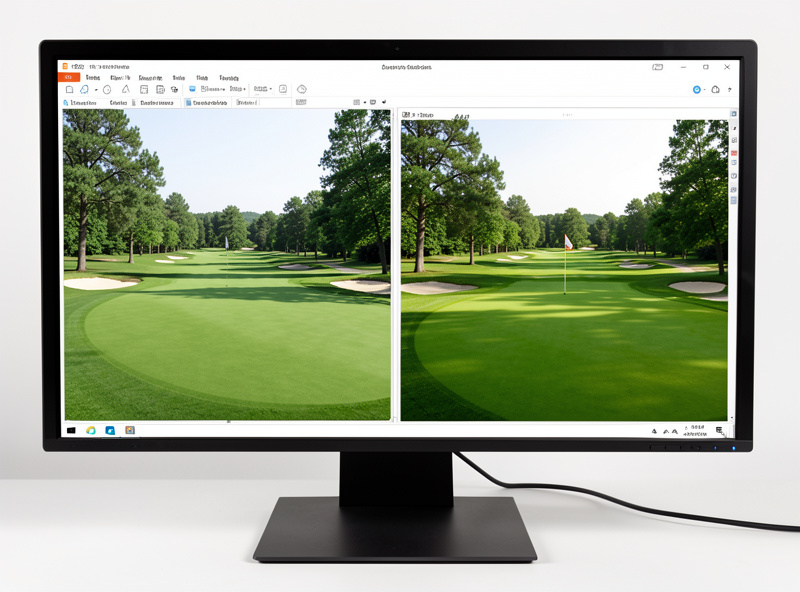
Fed the identical shot from the same launch monitor — a SkyTrak+ in my room — GSPro and E6 do not always put the ball in the same place. Each runs its own physics model and reads the data stream slightly differently. In my testing the two stayed within a few yards of each other on stock shots but diverged on high-spin shots, where the physics models clearly weigh spin differently.
Which is “right” is less useful than which is consistent, because practice value comes from a model that responds honestly to a swing change, not one that flatters it. GSPro has earned the simulator forums’ trust as a data-led model; E6 leans toward a polished, commercial feel. For improvement I trust GSPro’s feedback a hair more, but both are close enough that the difference matters less than calibrating either one honestly. If the numbers themselves are new to you, my shot data guide explains what each platform is actually drawing.
Compatibility and PC demand
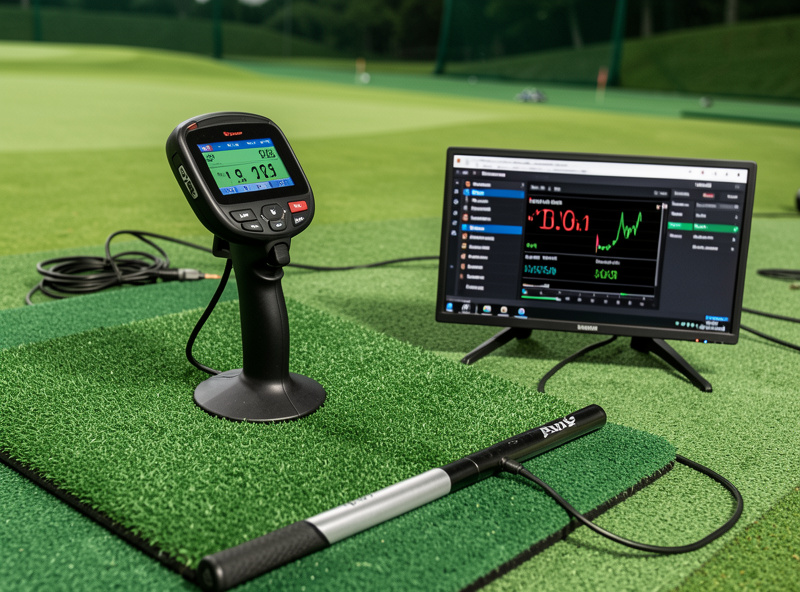
Before either platform matters, your launch monitor has to feed it. GSPro connects to a wide list of monitors through its connector system, but the exact path differs by unit, and some monitors only expose data to their own first-party software. E6 Connect has its own supported-device list, and several launch monitors ship with E6 as their bundled software. Always confirm your specific monitor before committing.
On the PC side, GSPro is the hungrier of the two — it is GPU-bound at projector resolution and rewards a current mid-tier graphics card. E6 Connect is a little lighter but still wants a dedicated card. A weak PC turns either platform into a stutter that makes your eyes distrust the ball flight, so size the machine to the software. I break down exactly what hardware GSPro needs in the GSPro PC requirements guide.
Multiplayer and community
GSPro’s online lobbies and the league ecosystem around it are the liveliest in home sim golf, and that community is a feature in itself — when something breaks at nine on a Tuesday, someone has already posted the fix. E6 Connect supports online play too, with its multiplayer leaning toward the commercial and facility market. For a home builder who wants weekly league nights, GSPro is the stronger social bet. I cover how that scene works in multiplayer and league play.
Head-to-head at a glance
| Factor | GSPro | E6 Connect |
|---|---|---|
| Annual cost | Flat ~$250/yr | Tiered, climbs with course packs |
| Course library | Thousands, community, free | Curated, officially licensed |
| Physics reputation | Forum-trusted, data-led | Polished, commercial feel |
| PC demand | Higher (GPU-hungry) | Moderate |
| Multiplayer/leagues | Strongest in home sim | Facility-leaning |
| Course presentation | Varies by designer | Consistent, official |
| Best for | Value, community, daily play | Licensed courses, polish |
Which one should you buy first?
If you are a typical home builder weighing winter practice value against cost, start with GSPro: the flat fee, the free library and the community give you the most sim for your money. Move to E6 Connect, or run both, when licensed courses and presentation become worth paying extra for, or when your launch monitor’s bundled path makes E6 the path of least resistance.
The one thing I would not do is choose either before settling the room and the monitor. The software is the part you touch every session, which makes it feel like the biggest decision when it is really the most enjoyable one — and the easiest to change later. Pick the platform your monitor feeds cleanly, size the PC to it, and spend the saved energy on the room. That order is the whole argument of the software hub.
As an Amazon Associate I earn from qualifying purchases. Whichever platform you land on, a short-throw projector built for sim use is what puts either one on the screen cleanly.
Related Articles
- Golf Sim Software Guide (hub)
- Golf Sim Course Ecosystems Explained
- GSPro PC Requirements
- Multiplayer and League Play
- Golf Sim Software Subscription Math
Frequently Asked Questions
Is GSPro or E6 Connect better for home golf simulators?
GSPro is better for most home builders thanks to its flat ~$250 annual fee, thousands of free community courses, and the liveliest online play. E6 Connect is better if you want officially licensed courses and more polished presentation and accept the tiered pricing.
Is GSPro cheaper than E6 Connect?
Usually yes over time. GSPro is a flat ~$250 per year with all community courses included. E6 Connect can start cheaper on its lowest tier but climbs as you add official course packs, so heavy course buyers often pay more on E6.
Do GSPro and E6 Connect use different physics?
Yes. Fed the same shot from the same launch monitor, they do not always land the ball identically. They stay close on stock shots but diverge on high-spin shots. GSPro has a data-led reputation the forums trust; E6 leans polished and commercial.
Can I run both GSPro and E6 Connect?
Yes, as long as your launch monitor supports both. Many builders keep GSPro as a daily driver for value and community and use E6 Connect for specific officially licensed courses they want rendered to a commercial standard.
Which needs a more powerful PC, GSPro or E6 Connect?
GSPro is the more demanding of the two. It is GPU-bound at projector resolutions and rewards a current mid-tier graphics card. E6 Connect is lighter but still needs a dedicated graphics card for smooth play.
Does my launch monitor work with GSPro and E6 Connect?
It depends on the unit. GSPro connects to a wide list of monitors through its connector, but the path varies and some monitors only feed their own software. E6 ships bundled with several monitors. Always confirm your exact model before buying.