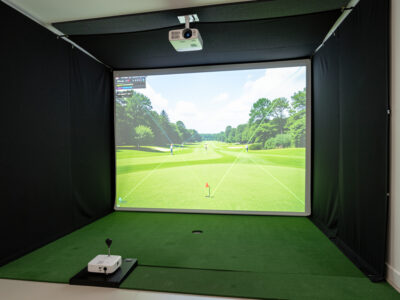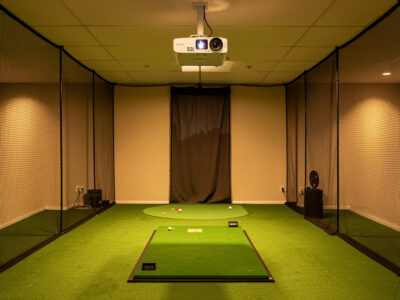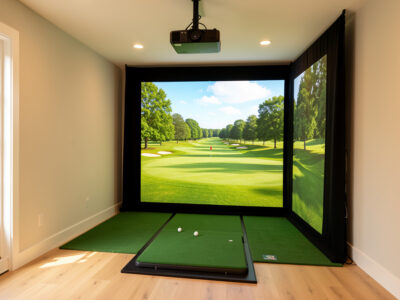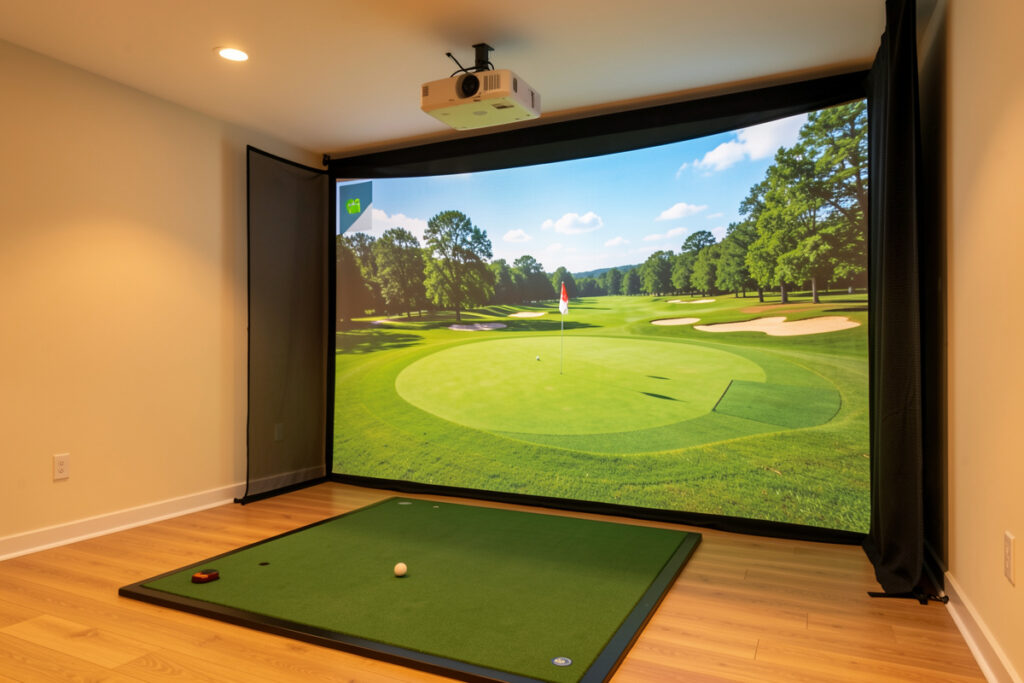
The best short-throw projector for a golf sim is the one whose throw ratio fills your exact screen from your exact mount distance, at 3,000 ANSI lumens or more for your light level. Brand matters far less than that fit. Buy to your room measurements, not to a review headline, and the shortlist gets short fast.
I have hung short-throw projectors in every sim room I have built, and the pattern is always the same: people shop by model name and then discover the unit cannot fill their screen from where the ceiling lets them mount it. So this is not a ten-model leaderboard with specs that will be wrong by next quarter. It is the criteria I actually shortlist by, the spec bands that matter, and how to turn your room into a buying filter that survives any price change.
What Makes a Projector Right for a Golf Sim
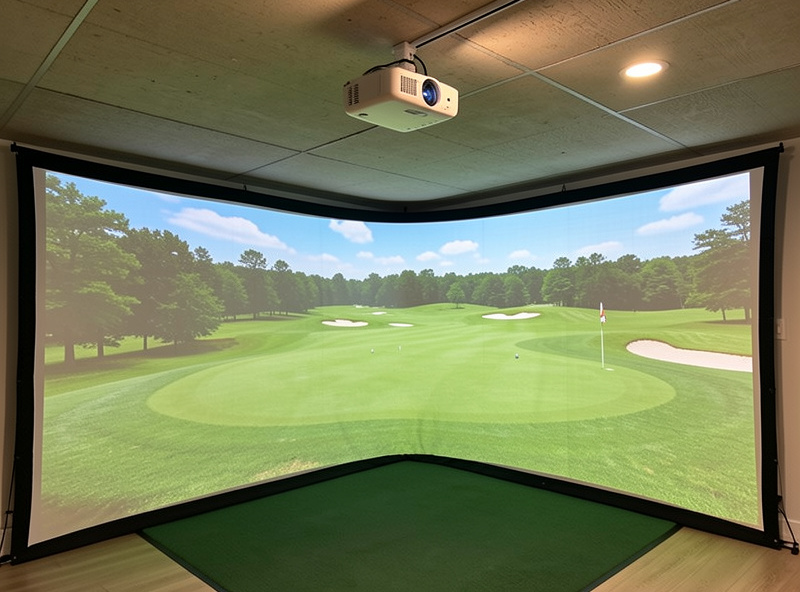
A short-throw projector is one with a throw ratio under roughly 0.8, meaning it can project a wide image from a few feet away. For a sim that is the whole point: you mount it on the ceiling forward of your swing and still fill a 10-foot screen. The non-negotiables are throw ratio that fits your room, ANSI brightness for your light, and resolution your PC can drive.
Everything else, connectivity, smart features, built-in speakers, is irrelevant in a sim where the PC is the source and the room is dark. I ignore the feature lists entirely and shortlist on three numbers. Get those three right and a mid-priced unit beats a premium one bought blind. The room is the spec sheet that matters most, which is why I plan it using the golf sim projector guide before shortlisting anything.
Throw Ratio Comes First, Always
Before you compare a single model, measure your screen width and the distance from your planned ceiling mount to the screen. Divide distance by width and you have your required throw ratio. If your screen is 10 feet wide and you can mount six feet back, you need a 0.6 throw ratio, and only projectors near that number make the list.
This one calculation eliminates most of the internet’s “best projector” picks instantly, because many are standard-throw units that simply cannot fill your screen from a sim-realistic distance. I keep a small spread of acceptable ratios rather than one exact figure, since many short-throw projectors offer a small zoom range. I confirm a model’s real throw range and zoom on ProjectorCentral rather than trusting a marketing one-liner, because the quoted ratio and the usable ratio are not always the same. The full method, with worked room examples, is in my guide to throw ratio and lumens for a golf sim. Do this math before you read another review.
Brightness: Match Lumens to Your Light Level
Once the throw ratio fits, brightness decides the shortlist. A blacked-out room is happy at 2,500 ANSI lumens; a room with any daylight or light-colored walls wants 3,500 to 4,000-plus ANSI. The cardinal sin is comparing a real ANSI figure against an inflated “LED lumens” or “peak” number, which can read nearly double the honest value.
I only ever shortlist on ANSI lumens and discard any listing that hides behind a vague brightness claim. If your room is not a cave, plan around projector brightness for daylight rooms and buy up a band so the image still reads at midday. Under-buying brightness is the regret I hear most: the projector fit the room, but the picture washed out the moment the sun came through.
Resolution and the PC Behind It
1080p is the honest floor and looks crisp at sim distances; 4K sharpens course and data detail but only if your graphics card can render the simulation at that resolution and hold a smooth frame rate. A 4K projector fed by an underpowered PC just shows you a stuttering 4K image, which is worse than smooth 1080p.
In my room a mid-tier GPU runs 1080p in GSPro comfortably, and I would only step a projector up to 4K alongside a graphics-card upgrade. Decide the resolution by what the machine can drive, then buy the matching projector. There is no prestige in a 4K box your PC turns into a slideshow.
How to Shortlist by Spec Band
Rather than chase model names, sort the market into bands and pick the band your room and PC justify. The table below is exactly how I narrow a buy, by throw and brightness rather than brand, because those are the specs that decide whether a unit works at all in your space.
| Priority | What to require | Sim sweet spot | Why it matters |
|---|---|---|---|
| 1. Throw ratio | Fits your screen width from your mount distance | 0.5-0.8 short throw | If it cannot fill the screen, no other spec saves it |
| 2. Brightness | ANSI lumens for your light level | 3,000-4,000 ANSI | Decides whether the image reads in a real room |
| 3. Resolution | What your GPU can drive smoothly | 1080p, or 4K with a strong PC | Sharpness without sacrificing frame rate |
| 4. Light engine | Lamp, LED, or laser to suit run time | Laser for long sessions if budget allows | Brightness consistency and bulb costs over a season |
When you have a band, you can browse current short-throw projectors around 3,000 lumens on Amazon and filter to the throw ratio your room needs. For brighter rooms, the search for 4,000-lumen short-throw golf simulator projectors is the better starting point.
As an Amazon Associate I earn from qualifying purchases.
Laser, LED, or Lamp in a Short-Throw Unit
Among short-throw projectors the light engine still splits the field. Laser models hold their rated brightness for years, turn on instantly, and survive the long winter sessions I put a sim through, but they cost the most. Lamp units are the cheapest entry, with the caveat that the bulb dims over time and is a paid replacement down the line. LED sits between them on price and lifespan, though honest ANSI brightness on affordable LED short-throws tends to land at the lower end.
For a room I run for hours on a dark evening, a laser short-throw is what I would stretch for, because consistent brightness across a session matters more to me than the sticker saving. If the budget says lamp, that is a perfectly good sim projector, as long as you treat a replacement bulb as part of the lifetime cost rather than a surprise. Whatever the engine, judge it on rated ANSI lumens, not on the marketing name of the light source. A laser badge on a dim unit is still a dim unit.
Mistakes That Wreck a Short-Throw Buy
The classic errors are buying for brightness while ignoring throw ratio, trusting peak lumens over ANSI, and forgetting that the mount distance is fixed by your ceiling. A short-throw unit that needs to sit four feet back will not work if your only safe mount point is seven feet from the screen, no matter how good its reviews are.
I also see people skip the screen and room entirely, then blame the projector for a dull picture. A short-throw projector lives in a system with the screen and the dark room. Pair it with a quality impact screen material, mind your screen distance, and plan the install with the mounting guide. The projector is one component of a picture, never the whole of it.
Frequently Asked Questions
What is the best short-throw projector for a golf simulator?
The best one is whichever fits your screen width from your mount distance at 3,000 ANSI lumens or more for your light level. There is no single winner, because the right throw ratio depends on your exact room. Shortlist by throw ratio first, then brightness, then resolution.
What throw ratio counts as short-throw?
Short-throw generally means a throw ratio under about 0.8, and many sim-friendly units sit between 0.5 and 0.8. Ultra-short-throw is under 0.4. For most home golf rooms a 0.5 to 0.8 ratio lets you ceiling-mount forward of your swing and still fill a 10-foot screen.
How many lumens for a short-throw golf sim projector?
Target 3,000 to 4,000 ANSI lumens for most rooms. A fully blacked-out room can work at 2,500 ANSI, while a room with daylight needs 3,500 to 4,000-plus. Always compare ANSI lumens, since peak or LED lumen figures can read nearly double the honest brightness.
Do I need a 4K short-throw projector for golf?
Not necessarily. 1080p looks crisp at sim viewing distances and is easier on your graphics card. Choose 4K only if your PC can render the simulation at that resolution and hold a smooth frame rate; otherwise smooth 1080p beats a stuttering 4K image.
Can a short-throw projector mount on the ceiling for a golf sim?
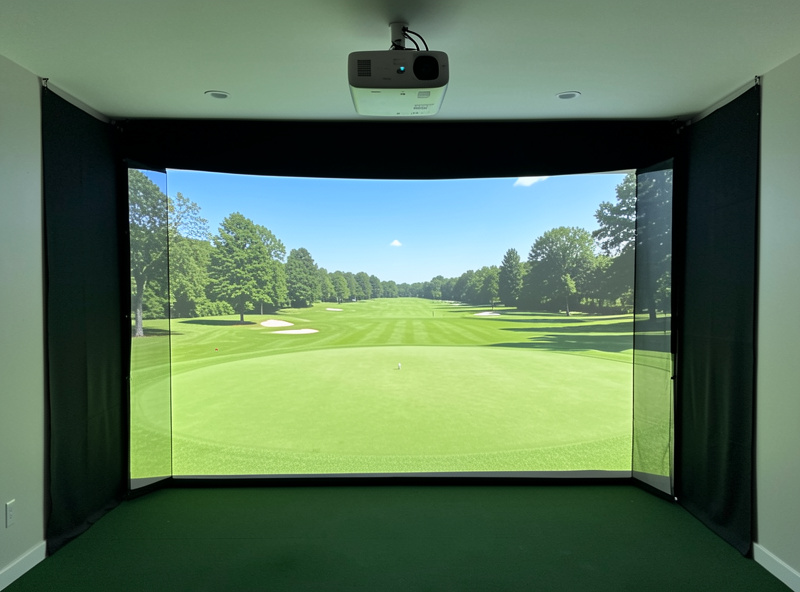
Yes, and that is the standard sim setup. A short-throw unit mounts on the ceiling forward of your hitting position, angled at the screen, clear of the club arc. Confirm the throw ratio fills your screen from that mount distance before drilling any holes.